By clicking “Accept All Cookies”, you agree to the storing of cookies on your device to enhance site navigation, analyze site usage, and assist in our marketing efforts. Terms and Conditions

All Blogs/Network
13 Nov 2026
6 min read

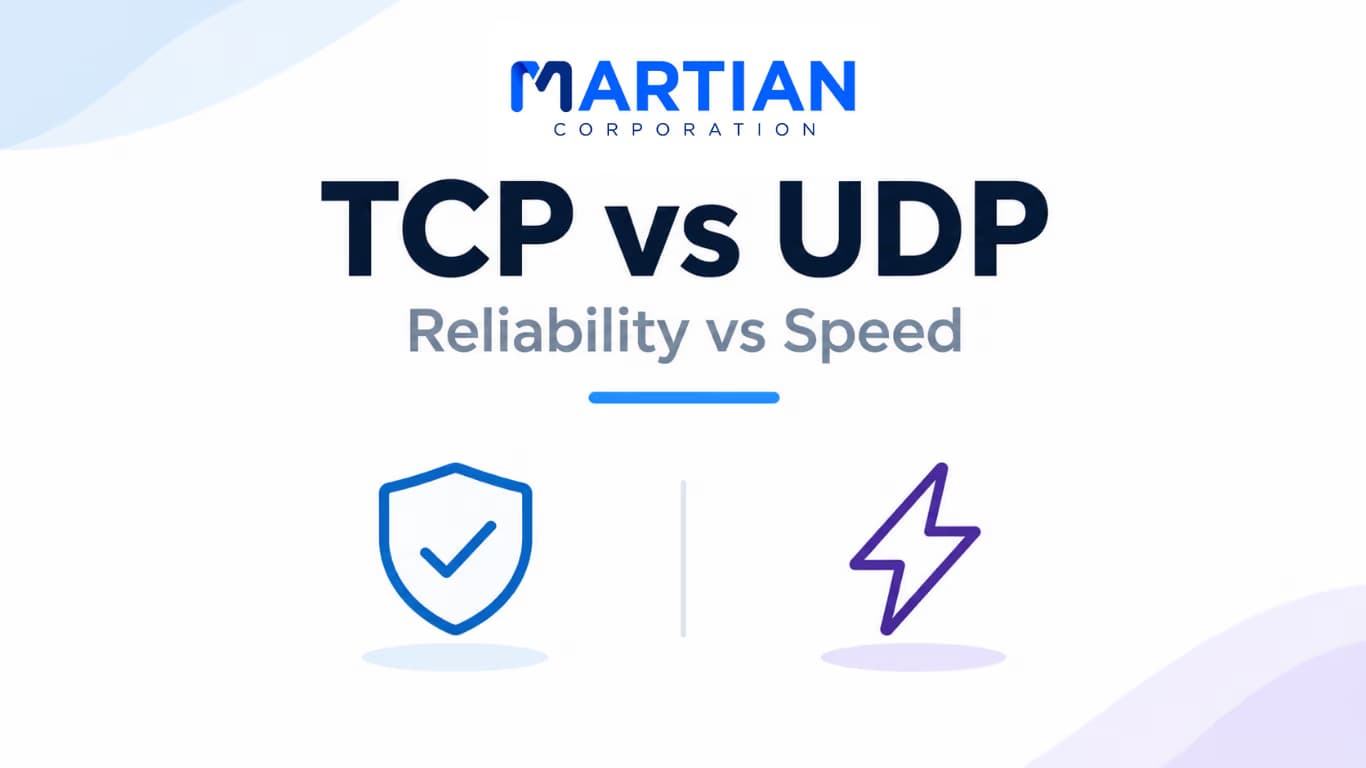
TCP vs UDP: Reliability vs Speed

TCP vs UDP: Reliability vs Speed

By: Martian Corporation

Introduction – Two Ways to Move Data Across a Network

“A message that arrives perfectly but too late may be useless. A message that arrives quickly but with missing pieces may be just as frustrating.”

This is the trade-off at the heart of two major transport-layer protocols: Transmission Control Protocol (TCP) and User Datagram Protocol (UDP). Every time you download a file, join a video call, open a website or play an online game, applications rely on transport protocols to move data between devices.

TCP focuses on reliable, ordered delivery. UDP keeps the process lightweight and does not build in the same delivery guarantees. Neither protocol is automatically better; the right choice depends on what the application needs.

1. TCP – Building a Reliable Connection

“Before sending the conversation, TCP makes sure both ends are ready to take part.”

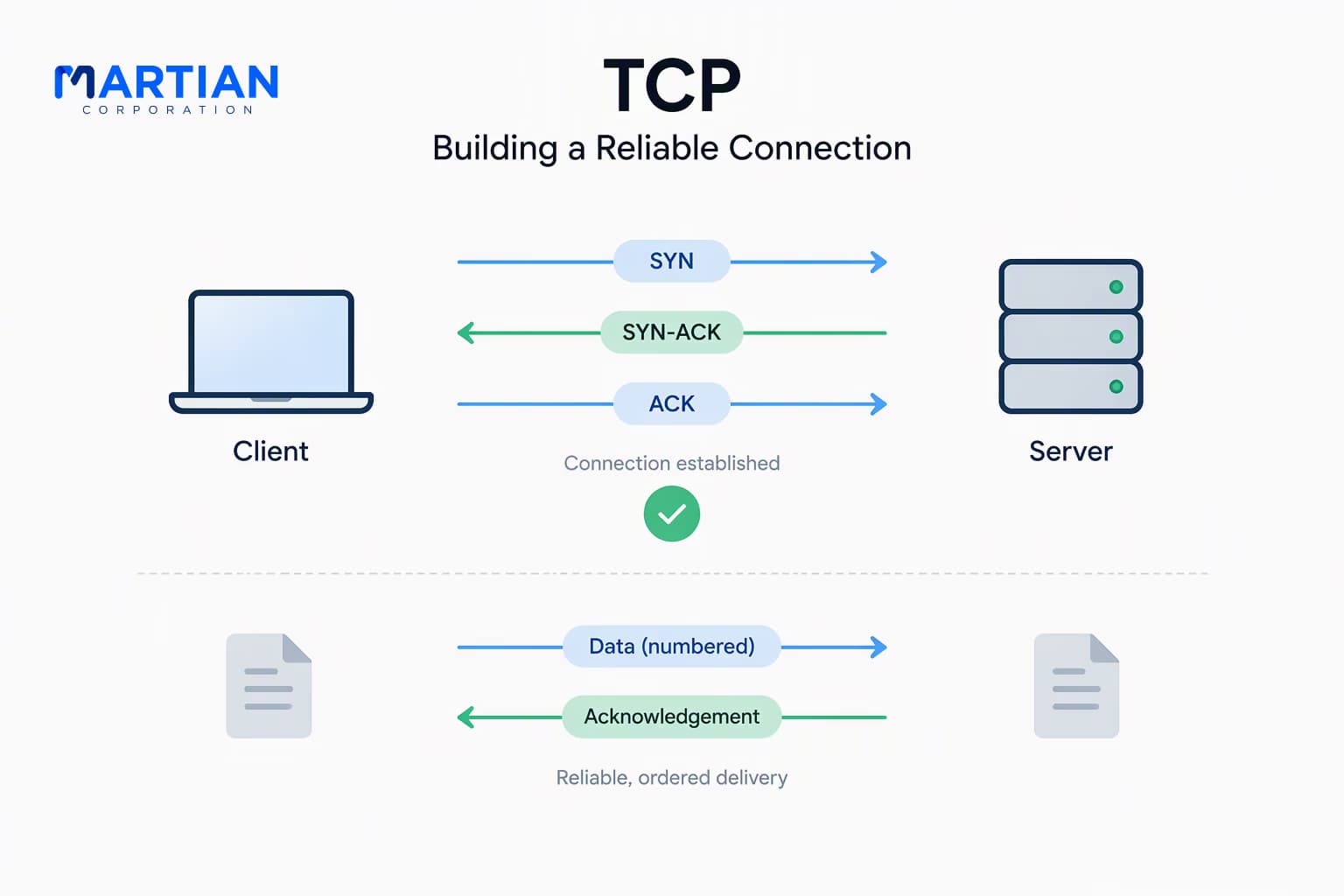
TCP is a connection-oriented transport protocol. Before exchanging application data, the two endpoints normally establish a connection using a process called the three-way handshake. This helps both sides synchronize their initial sequence numbers and confirm that communication can begin.

The handshake works in three steps:

  • SYN – The client sends a synchronisation message to begin the connection.
  • SYN-ACK – The server acknowledges the request and sends its own synchronisation message.
  • ACK – The client acknowledges the server’s response. The connection is established, and data transfer can proceed.

Once the connection is active, TCP numbers the bytes it sends. The receiver acknowledges data it has received, allowing the sender to detect missing information and retransmit it when necessary. TCP also reassembles data in the correct order before delivering it to the application. This is why TCP is well suited to tasks such as file transfers, email and many web communications, where missing or rearranged data can cause problems.
TCP

2. UDP – Keeping Data Moving with Less Overhead

“When timing matters more than retransmitting every missing piece, a lighter approach can make sense.”

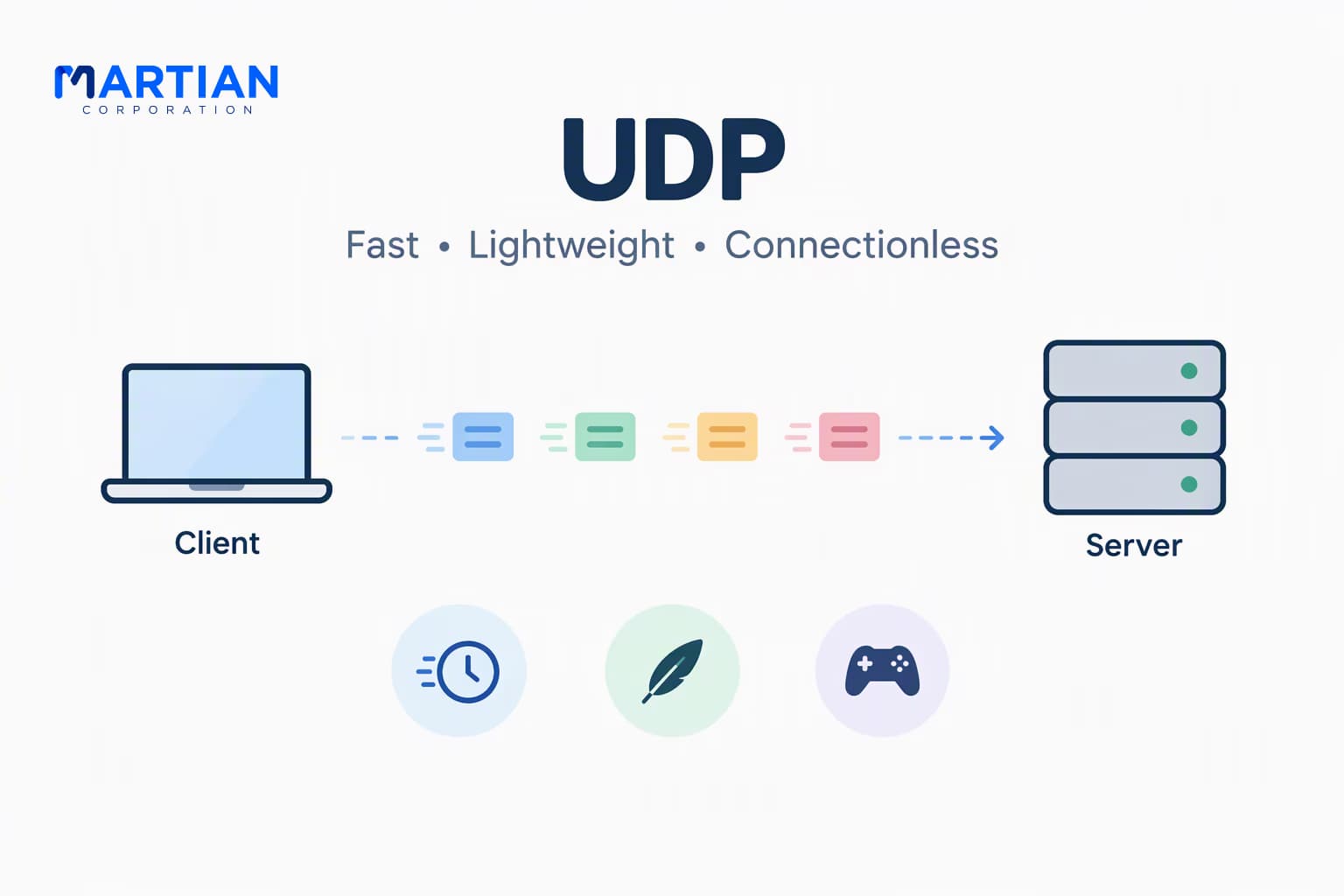
UDP is a connectionless transport protocol. It does not establish a connection with a three-way handshake, and it does not provide built-in acknowledgments, retransmissions or guaranteed in-order delivery. An application sends datagrams, and UDP adds a small header before passing them to IP for delivery.

This simpler design reduces protocol overhead and avoids waiting for TCP-style acknowledgments and retransmissions. However, UDP itself does not guarantee that a datagram will arrive, arrive only once or arrive in the same order it was sent. Applications that need reliability can build their own mechanisms on top of UDP.

UDP is commonly used for real-time voice and video, online gaming, DNS queries and other situations where low delay or simple request-response exchanges are important. For a live conversation, receiving the newest audio quickly can be more useful than pausing to recover an old packet that is no longer timely.

UDP

3. Ports and Sockets – Getting Data to the Right Application

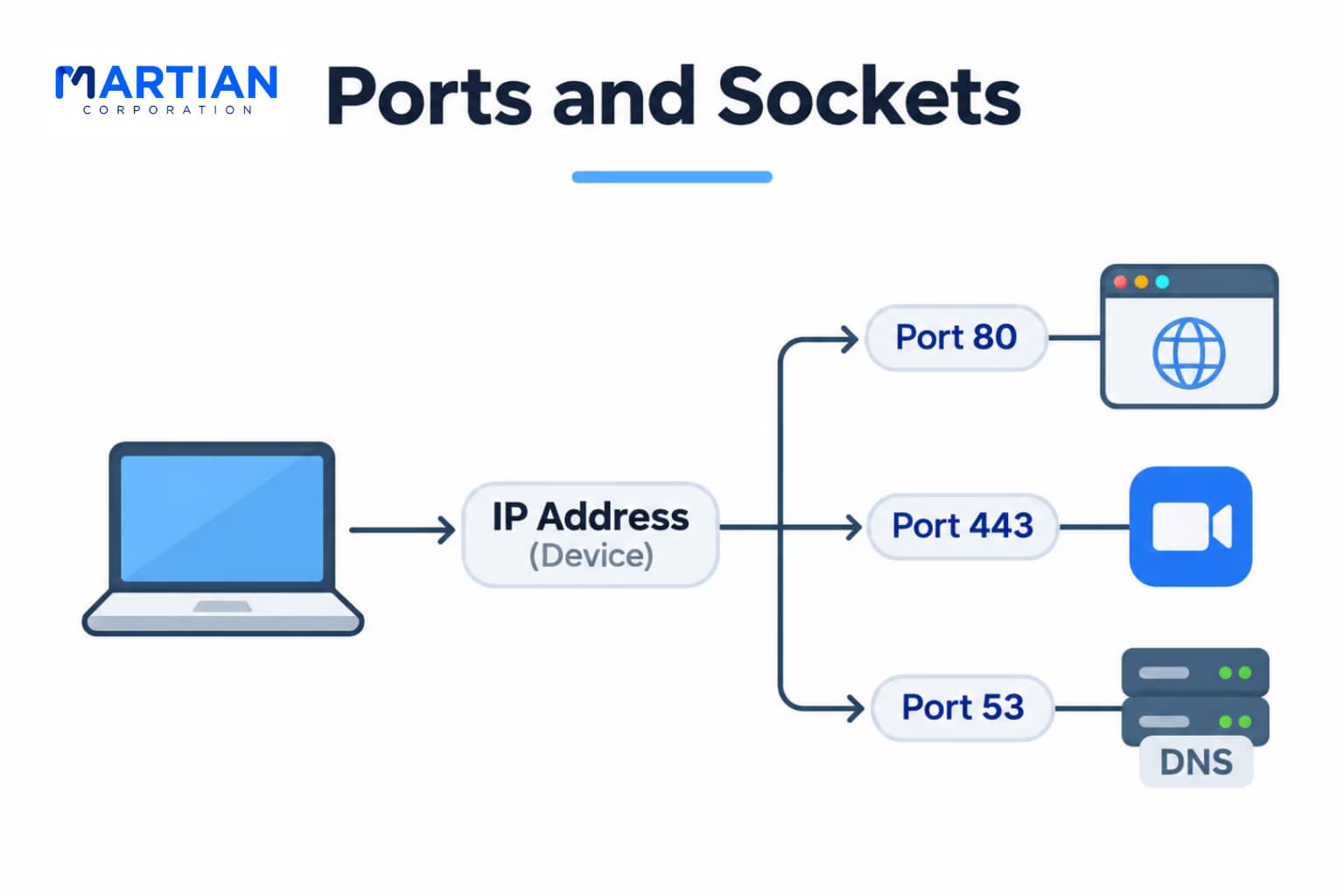
“IP addresses help data reach a device. Port numbers help it reach the right application.”

An IP address identifies a network interface or host at the network layer. At the transport layer, TCP and UDP use port numbers to identify the sending and receiving application endpoints. A port is a number, not a physical connection point.

For example, a computer may use a browser, a video meeting app and a DNS client at the same time. Transport-layer port numbers help the operating system deliver incoming data to the correct application process. Servers commonly listen on known port numbers for services, while client applications usually use temporary (ephemeral) source ports.

A socket is a software endpoint used by an application for network communication. In common TCP/IP discussions, a TCP connection is distinguished by the protocol and the source and destination IP addresses and port numbers. UDP also uses ports to direct datagrams to the appropriate application, but it does not create a TCP-style connection. Understanding ports and sockets makes it easier to interpret network traffic and troubleshoot which service is communicating.

Ports and Sockets

4. Flow Control and Congestion Control – Preventing Network Problems

“Reliable delivery is only part of the job. Sending data at a sensible rate matters too.”

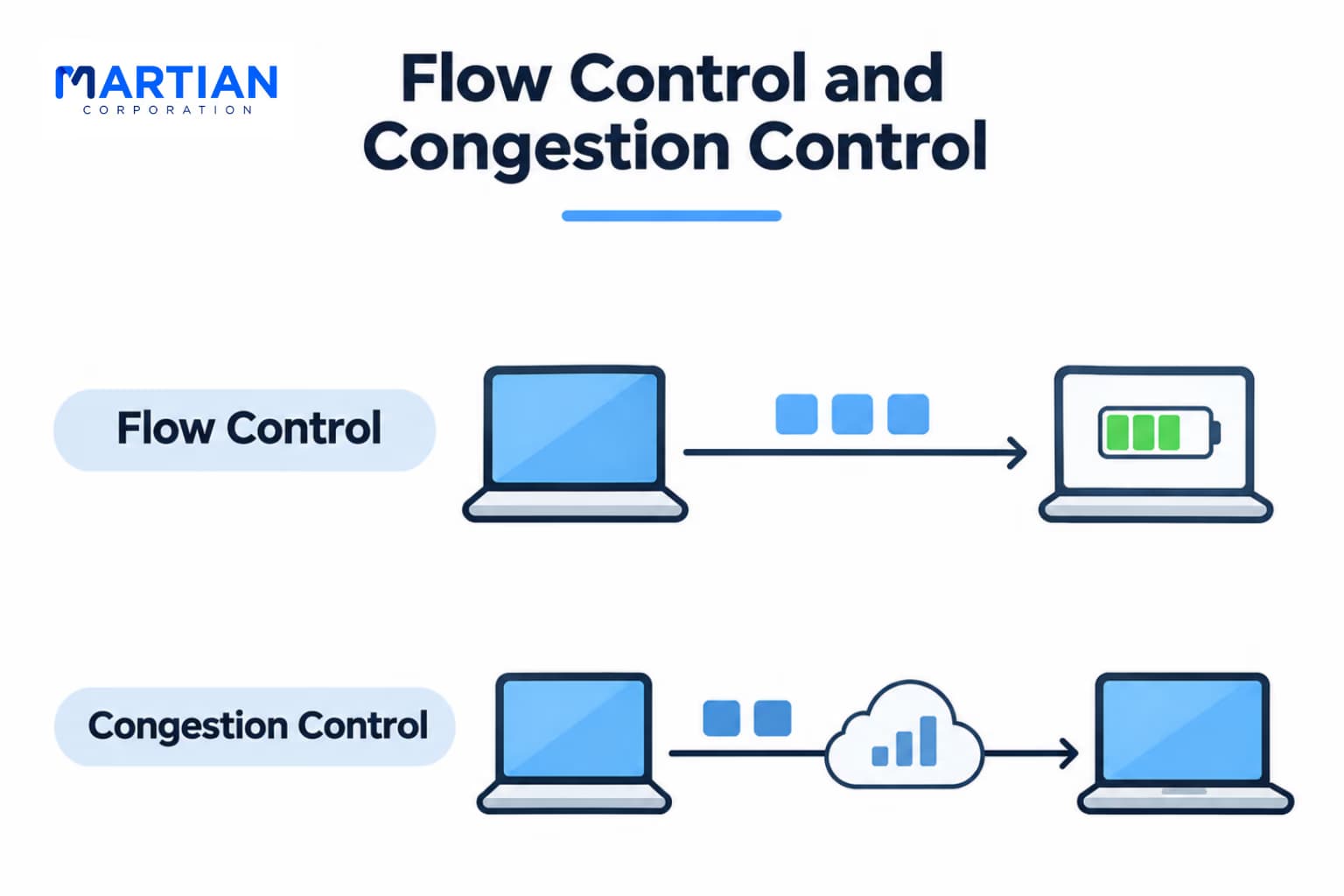
TCP uses two related but different mechanisms: flow control and congestion control.

Flow control protects the receiving device from being overwhelmed. The receiver advertises how much data it can currently accept using a receive window. The sender uses this information to avoid sending more unacknowledged data than the receiver can handle.

Congestion control protects the network from excessive traffic. TCP adjusts how much data it puts into the network based on signals such as packet loss and changes in acknowledged delivery. Its congestion window limits the amount of data that can be in transit. The goal is to use available capacity efficiently while reducing the risk of making congestion worse.

These mechanisms solve different problems: flow control is about the receiver’s capacity; congestion control is about the network’s capacity. UDP does not provide equivalent built-in transport-layer flow and congestion control. Applications using UDP need to consider rate control and congestion behavior themselves, particularly when sending substantial traffic across the internet.

Flow Control and Congestion Control

5. TCP vs UDP – Choosing the Right Protocol

“The best protocol is not the one with the most features. It is the one that fits the application.”

Consider two everyday examples:

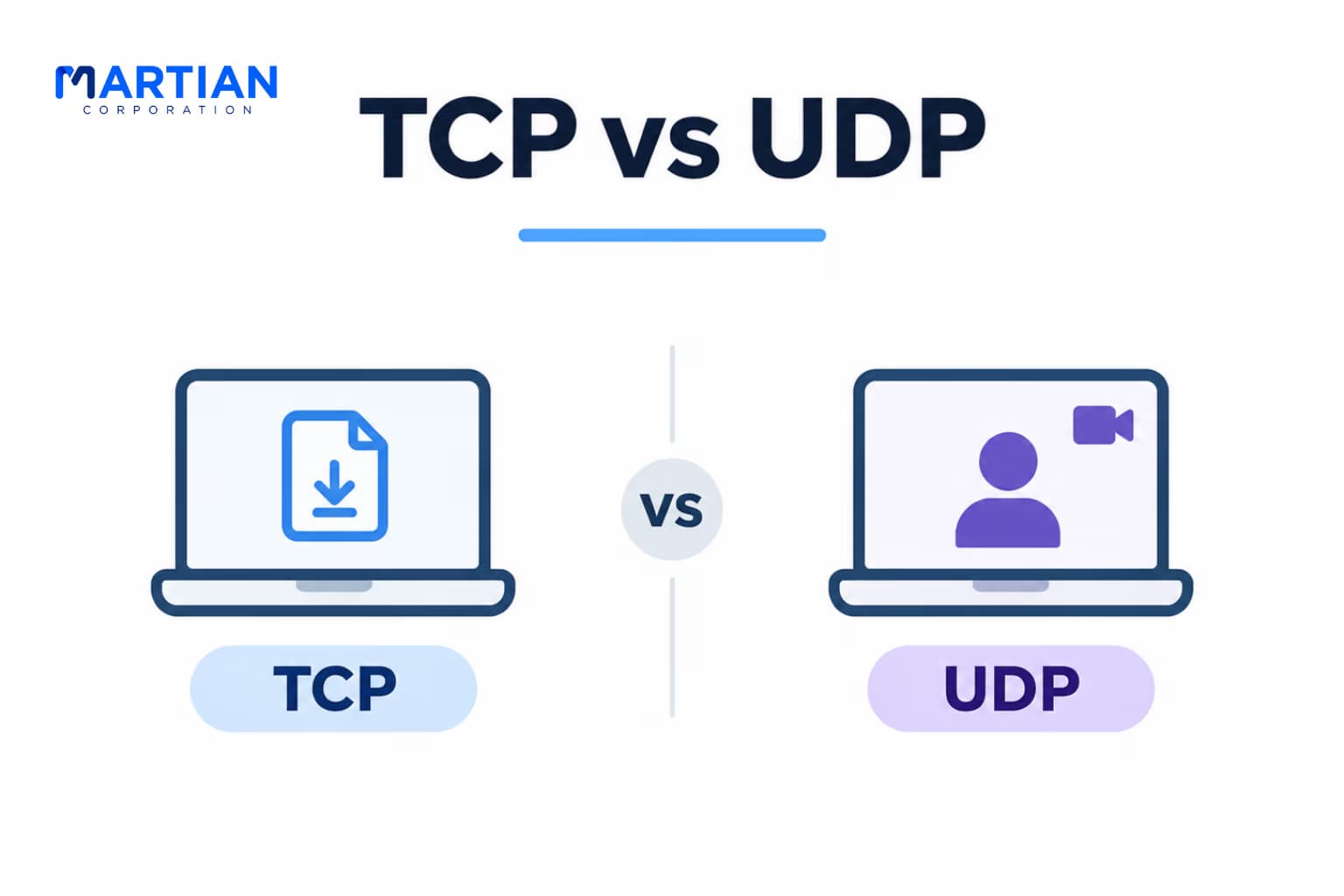
File download: When downloading a document or software update, every part of the file matters. Missing bytes or data delivered in the wrong order can make the file unusable. TCP’s acknowledgments, retransmissions and ordered delivery make it a natural choice for this kind of transfer.

Video call: During a live video call, delay can be more noticeable than a missing frame or brief audio gap. Waiting to retransmit late data may make the conversation less natural. Real-time communication systems therefore often use UDP-based transport, with the application managing timing, loss handling and media quality. Some modern systems use protocols such as QUIC, which runs over UDP while adding reliability and congestion-control features for its own connections.

In general, TCP is a strong fit when reliable, ordered delivery is essential. UDP is useful when low overhead and timely delivery are priorities, or when an application needs to design its own transport behavior. The application’s requirements—not a simple speed-versus-reliability label—should guide the decision.

TCP vs UDP

Conclusion – Reliability and Speed Have Different Jobs

“Networks work best when the transport protocol matches what the application needs.”

TCP provides connection-oriented communication with acknowledgments, retransmissions, ordered delivery, flow control and congestion control. UDP offers a simpler, connectionless way to send datagrams, leaving delivery behaviour to the application. Ports help both protocols direct data to the right application, while sockets provide the software endpoints used for communication.

Understanding these differences helps explain why a file download and a live video call may use different transport approaches. With the transport layer in focus, the next step is to explore how applications use these services to communicate across real networks.

NewsLetter

Stay ahead in the world of technology

Get curated technology trends, expert analysis, and product updates delivered straight to your inbox — no noise, just signal.

Enter your email address

By subscribing you agree to our Terms and Conditions and Privacy Policy

More Blogs

Core Network Support Protocols: ARP, ICMP & DHCPNetwork
11 Nov 2026
4 min read

Core Network Support Protocols: ARP, ICMP & DHCP

Explore how ARP, ICMP, and DHCP work together to manage IP addressing, local network communication, and connectivity troubleshooting.

Read more
Routing Protocols in Practice: OSPF, BGP & EIGRPNetwork
6 Nov 2026
4 min read

Routing Protocols in Practice: OSPF, BGP & EIGRP

Explore OSPF, EIGRP, and BGP to understand how routing protocols power enterprise networks, internet connectivity, and multi-cloud environments.

Read more
IPv6: The Address Space We Actually NeedNetwork
4 Nov 2026
6 min read

IPv6: The Address Space We Actually Need

Why IPv6 exists, how its 128-bit addresses work, what changed from IPv4, and how dual-stack networks are driving adoption in 2026.

Read more