By clicking “Accept All Cookies”, you agree to the storing of cookies on your device to enhance site navigation, analyze site usage, and assist in our marketing efforts. Terms and Conditions

All Blogs/Network
11 Nov 2026
4 min read

Core Network Support Protocols: ARP, ICMP & DHCP

Core Network Support Protocols: ARP, ICMP & DHCP

By: Martian Corporation

Introduction – Three Protocols Behind Every Connection

“Before devices can communicate, they need an address, a way to reach local destinations, and a method to check what is happening along the way.”

You connect a laptop to the office network and open a website. It feels instant, but several jobs happen first. The laptop needs an IP address, it must discover where local destinations live, and when something fails, tools need a way to report what went wrong.

Three protocols handle these jobs. DHCP supplies network configuration, ARP maps local IPv4 addresses to MAC addresses, and ICMP carries the control messages behind tools like ping and traceroute. Let’s see how each works and how they fit together.

1. DHCP – Automatic IP Address Assignment

“Configuring every device by hand would be slow and error-prone. DHCP lets devices request their network settings automatically.”

Imagine setting addresses by hand on hundreds of laptops, phones and printers. The Dynamic Host Configuration Protocol (DHCP) removes that burden. A DHCP server can assign an IP address and supply the subnet mask, default gateway, DNS server and lease duration.

In a typical DHCPv4 exchange, the initial assignment follows the DORA sequence:

• Discover – The client broadcasts a message to find available DHCP servers.

• Offer – A server offers an address and configuration details.

• Request – The client asks for the offered address.

• Acknowledge – The server confirms the lease and completes the assignment.

The address is leased, not permanent, and the client can renew it. On larger networks, a DHCP relay agent forwards requests to a server on another network.
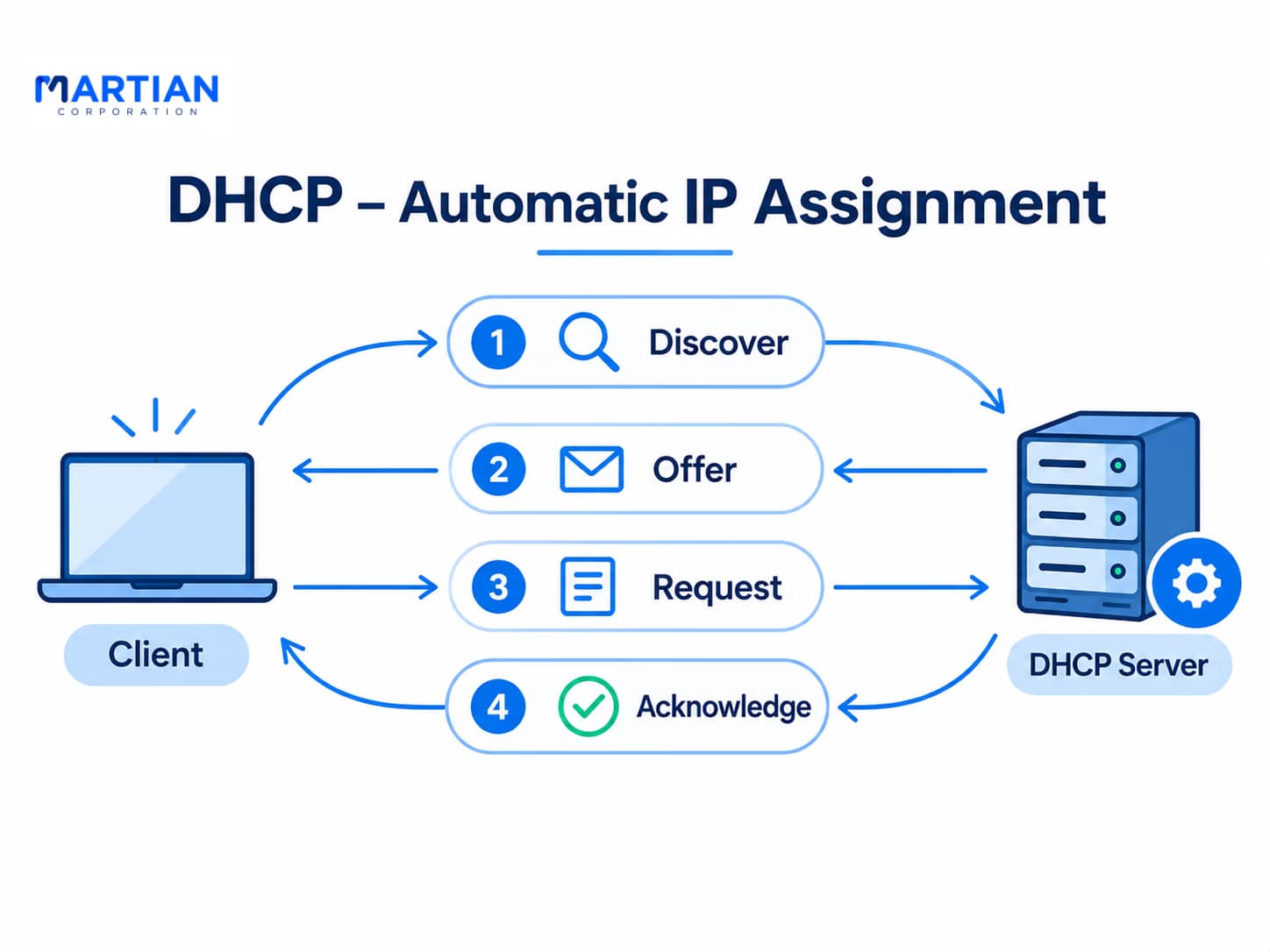
DHCP – Automatic IP Address Assignment

2. ARP – Finding MAC Addresses

“An IP address identifies a device logically. On an Ethernet network, ARP helps discover the MAC address needed to deliver a frame locally.”

IP handles logical addressing, but Ethernet delivers frames by MAC address. The Address Resolution Protocol (ARP) discovers the MAC address a device needs before it can send a frame to a local IPv4 destination.

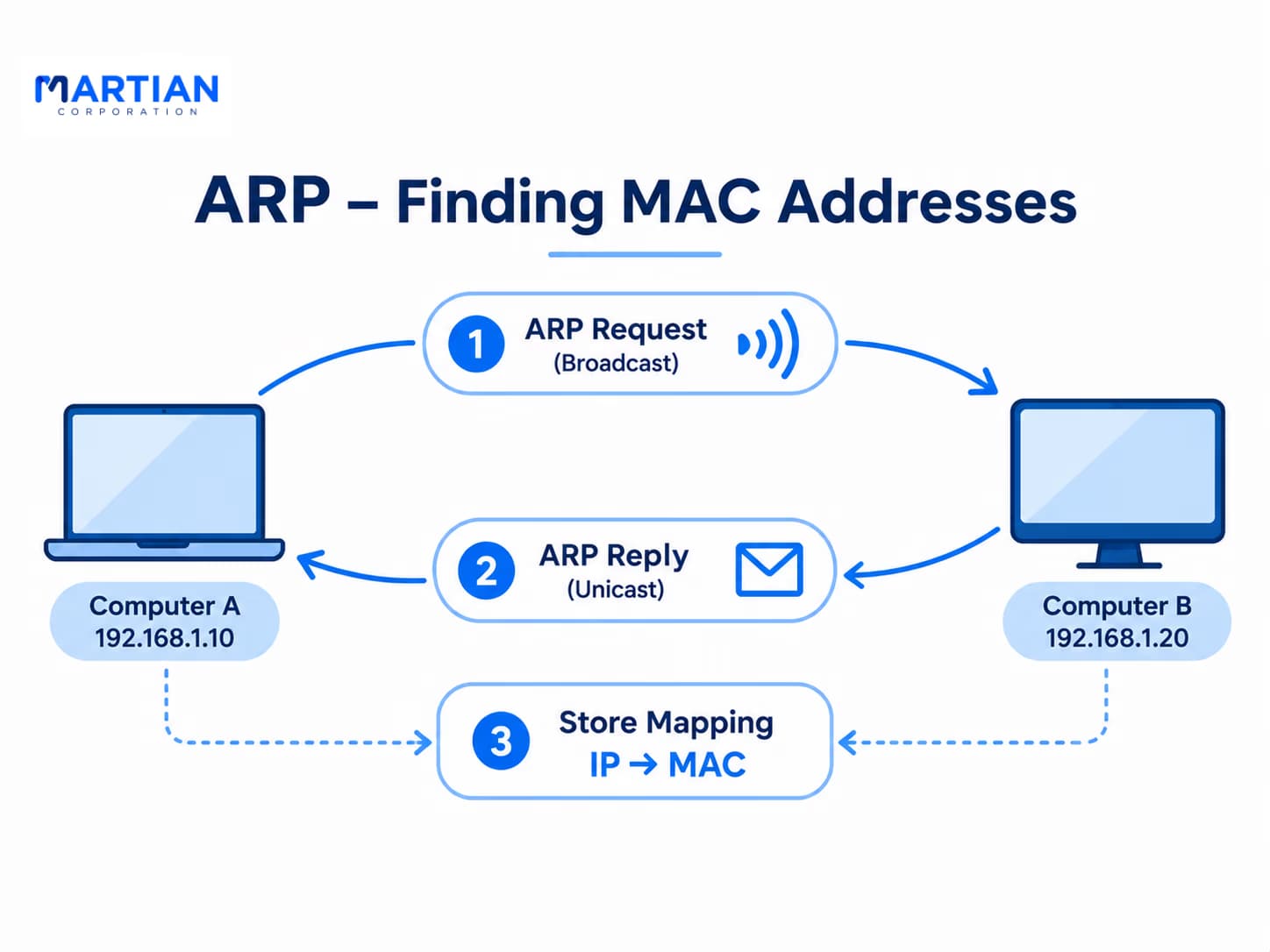
Suppose Computer A wants to send data to Computer B on the same LAN:

  • Computer A checks its ARP cache for Computer B’s IP address.
  • If there is no valid entry, it broadcasts an ARP request asking who owns that IPv4 address.
  • Computer B recognises its own address and replies with its MAC address.
  • Computer A caches the mapping and sends Ethernet frames to Computer B.

If the destination is outside the local subnet, the computer resolves the MAC address of its default gateway, not the MAC address of the remote server. ARP is IPv4-only; IPv6 uses Neighbor Discovery Protocol (NDP) instead.

ARP – Finding MAC Addresses

3. ICMP – Testing Connectivity and Diagnosing Problems

“When a network does not respond as expected, ICMP can provide clues about reachability and where a packet’s journey may be failing.”

The Internet Control Message Protocol (ICMP) is a network-layer companion to IP. It carries control and error-reporting messages, not ordinary application data.

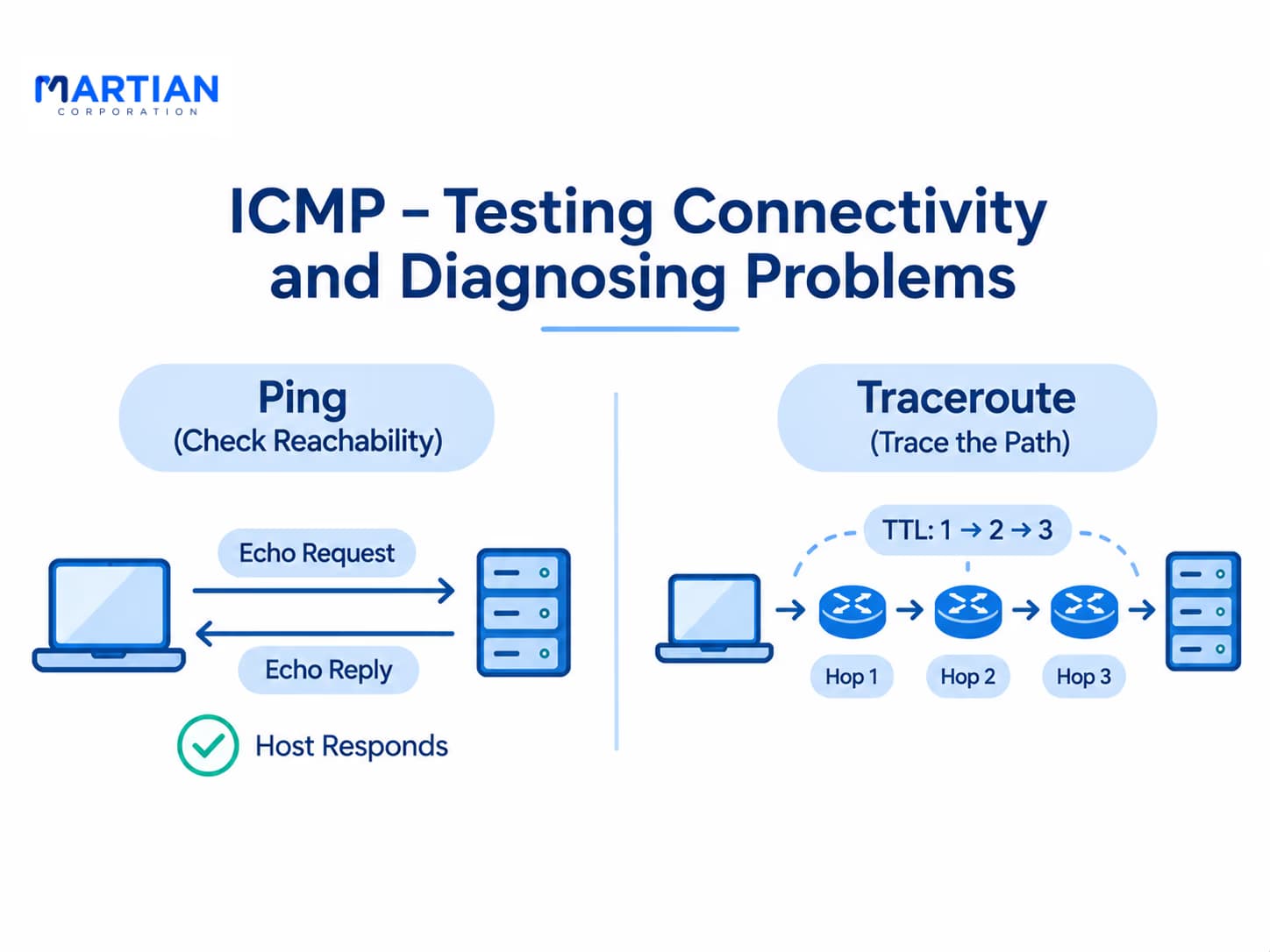
Ping sends an ICMP Echo Request and waits for an Echo Reply, helping estimate round-trip time and packet loss:

ping 8.8.8.8

Traceroute (tracert on Windows) sends probes with gradually increasing TTL (Time to Live) values. Each router reduces the TTL, and at zero it may return an ICMP Time Exceeded message, revealing the hops along a route:

tracert martiancorporation.com (Windows)

traceroute martiancorporation.com (Linux/macOS)

A successful ping does not prove every service is working, and a timeout does not always mean a device is offline, because firewalls may block ICMP. Traceroute can also show gaps when routers stay silent. Treat the output as evidence, not a complete map of every fault.

ICMP – Testing Connectivity and Diagnosing Problems

4. How They Differ – and How They Work Together

“A working network is not built around one protocol. It depends on several protocols handling different jobs at the right time.”

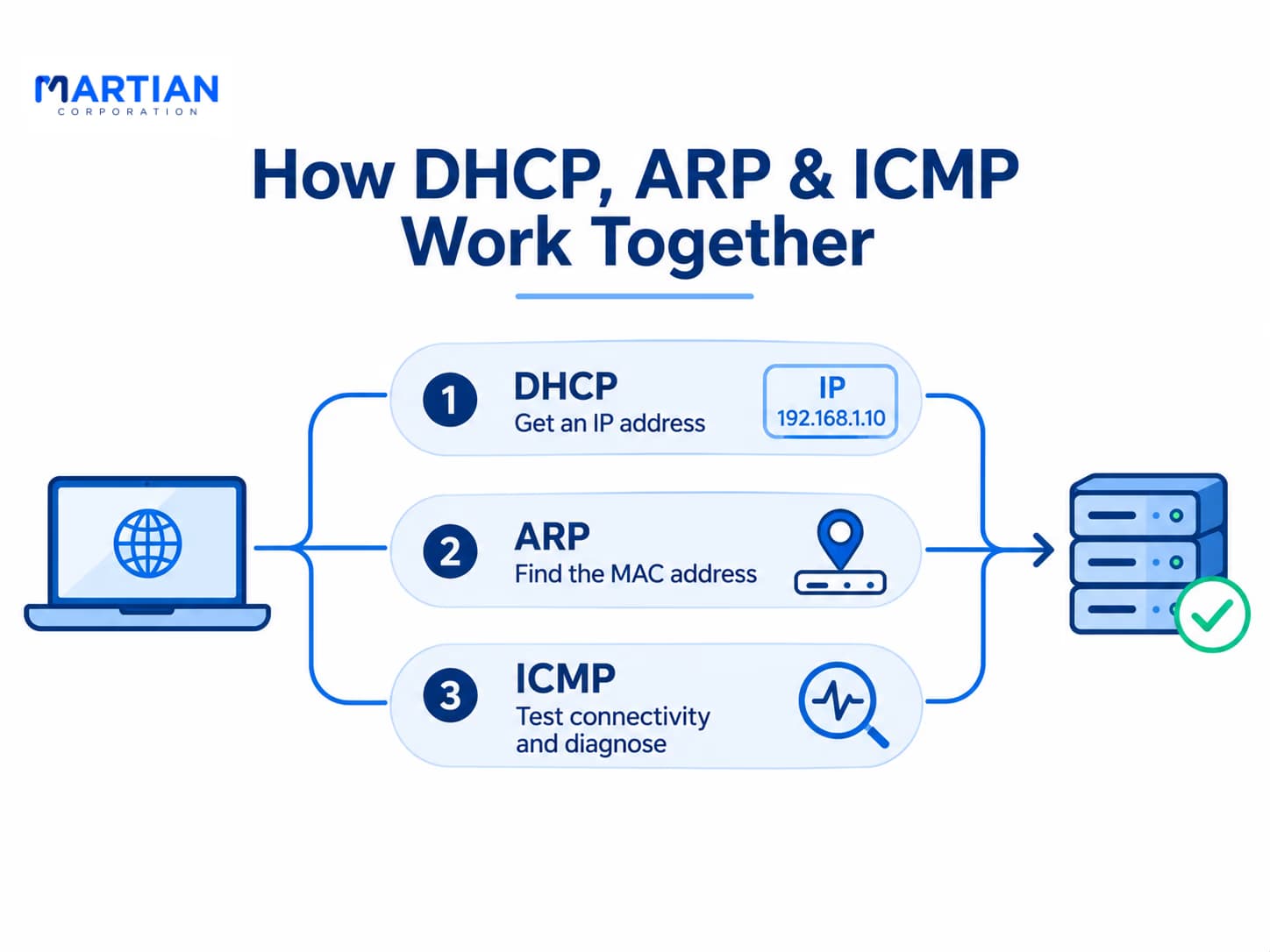
Each protocol has a separate job. DHCP supplies IP configuration, ARP resolves local IPv4-to-MAC mappings, and ICMP reports network conditions and supports diagnostics.

Picture a new laptop joining an office network. First, DHCP provides an IP address, subnet mask, default gateway and DNS server. When the laptop needs to reach a device on its local subnet, or its default gateway for an off-subnet destination, it uses ARP to find the required MAC address if that mapping is not already cached. If a user or administrator needs to investigate connectivity, ping and traceroute use ICMP to test responses and examine the path.

This is not a rigid chain; each protocol runs only when its function is needed. Together, they help devices obtain configuration, deliver local traffic and troubleshoot network behaviour.

How They Differ – and How They Work Together

Conclusion – Small Protocols, Essential Functions

“Understanding a network starts with knowing how devices get configured, find local destinations and report communication problems.”

ARP, ICMP and DHCP work quietly in the background, yet each is essential. DHCP simplifies addressing, ARP supports local IPv4 delivery, and ICMP helps devices and administrators understand reachability and errors.

These ideas matter in real networks. When a user cannot connect, knowing which protocol handles which job tells you where to look first: addressing, local delivery or reachability. Knowing what a diagnostic result cannot prove builds a stronger foundation for troubleshooting.

With these fundamentals in place, the next step is to explore how routers choose paths and move traffic between different networks.

NewsLetter

Stay ahead in the world of technology

Get curated technology trends, expert analysis, and product updates delivered straight to your inbox — no noise, just signal.

Enter your email address

By subscribing you agree to our Terms and Conditions and Privacy Policy

More Blogs

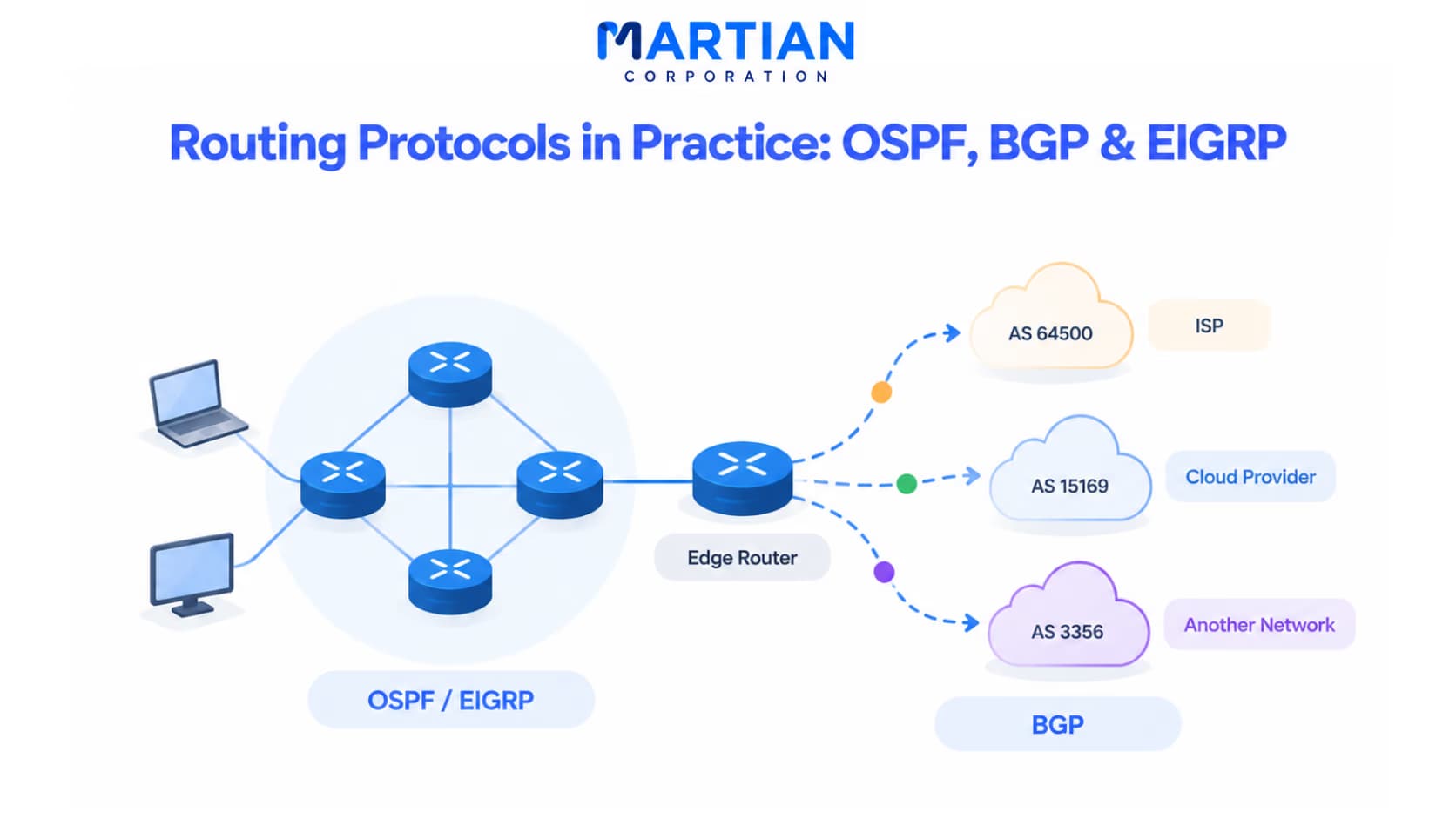
Routing Protocols in Practice: OSPF, BGP & EIGRPNetwork
6 Nov 2026
4 min read

Routing Protocols in Practice: OSPF, BGP & EIGRP

Explore OSPF, EIGRP, and BGP to understand how routing protocols power enterprise networks, internet connectivity, and multi-cloud environments.

Read more
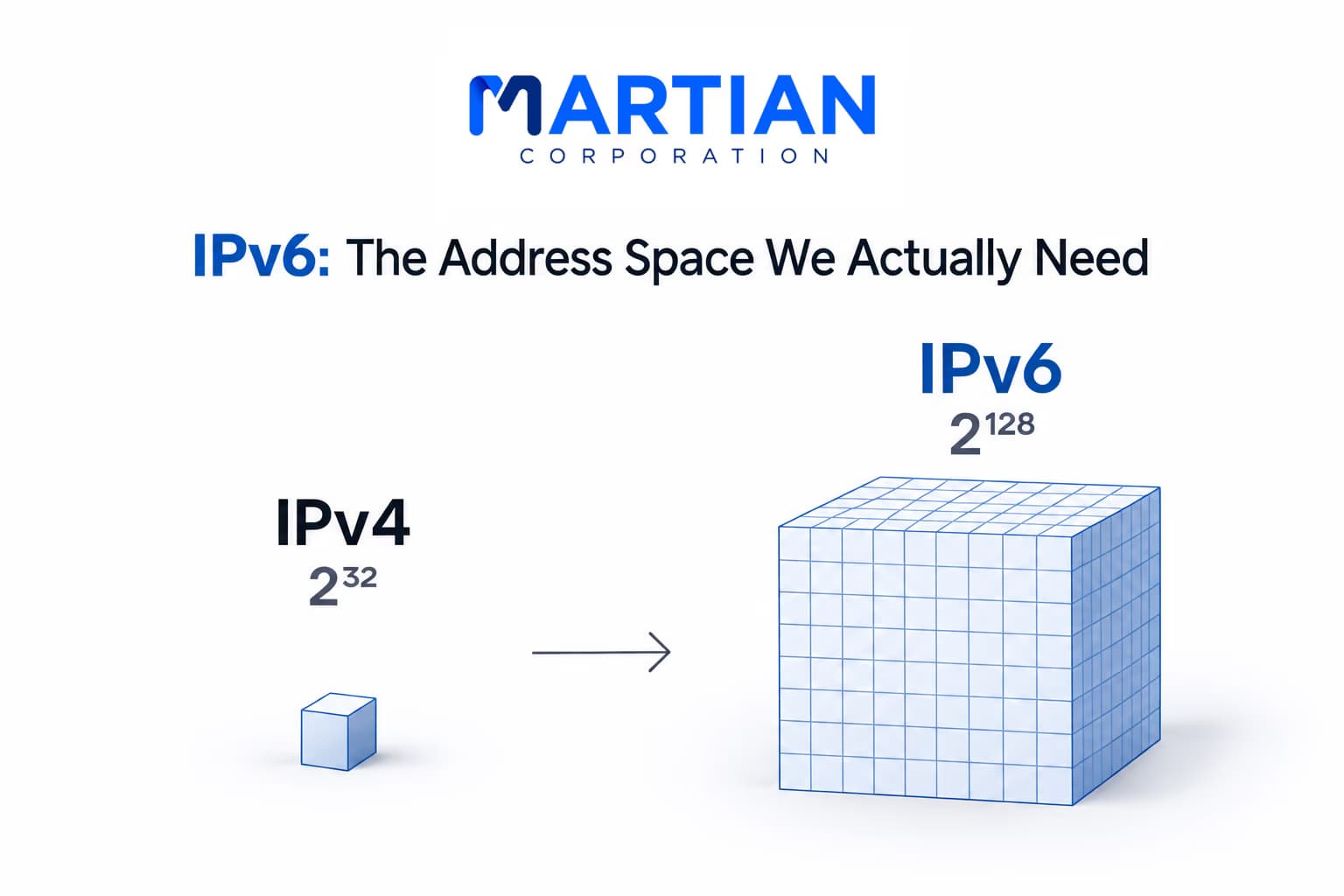
IPv6: The Address Space We Actually NeedNetwork
4 Nov 2026
6 min read

IPv6: The Address Space We Actually Need

Why IPv6 exists, how its 128-bit addresses work, what changed from IPv4, and how dual-stack networks are driving adoption in 2026.

Read more
Subnetting Without Fear Network
30 Oct 2026
5 min read

Subnetting Without Fear

A beginner-friendly guide to subnetting, covering subnet masks, CIDR, host ranges, block sizes, and VLSM with practical examples and exercises.

Read more