By clicking “Accept All Cookies”, you agree to the storing of cookies on your device to enhance site navigation, analyze site usage, and assist in our marketing efforts.*

All Blogs/Network
21 Aug 2026
5 min read

The Physical Layer: Cables, Signals & Media

The Physical Layer: Cables, Signals & Media

By: Martian Corporation

"Every network, no matter how modern, still starts with something physical."

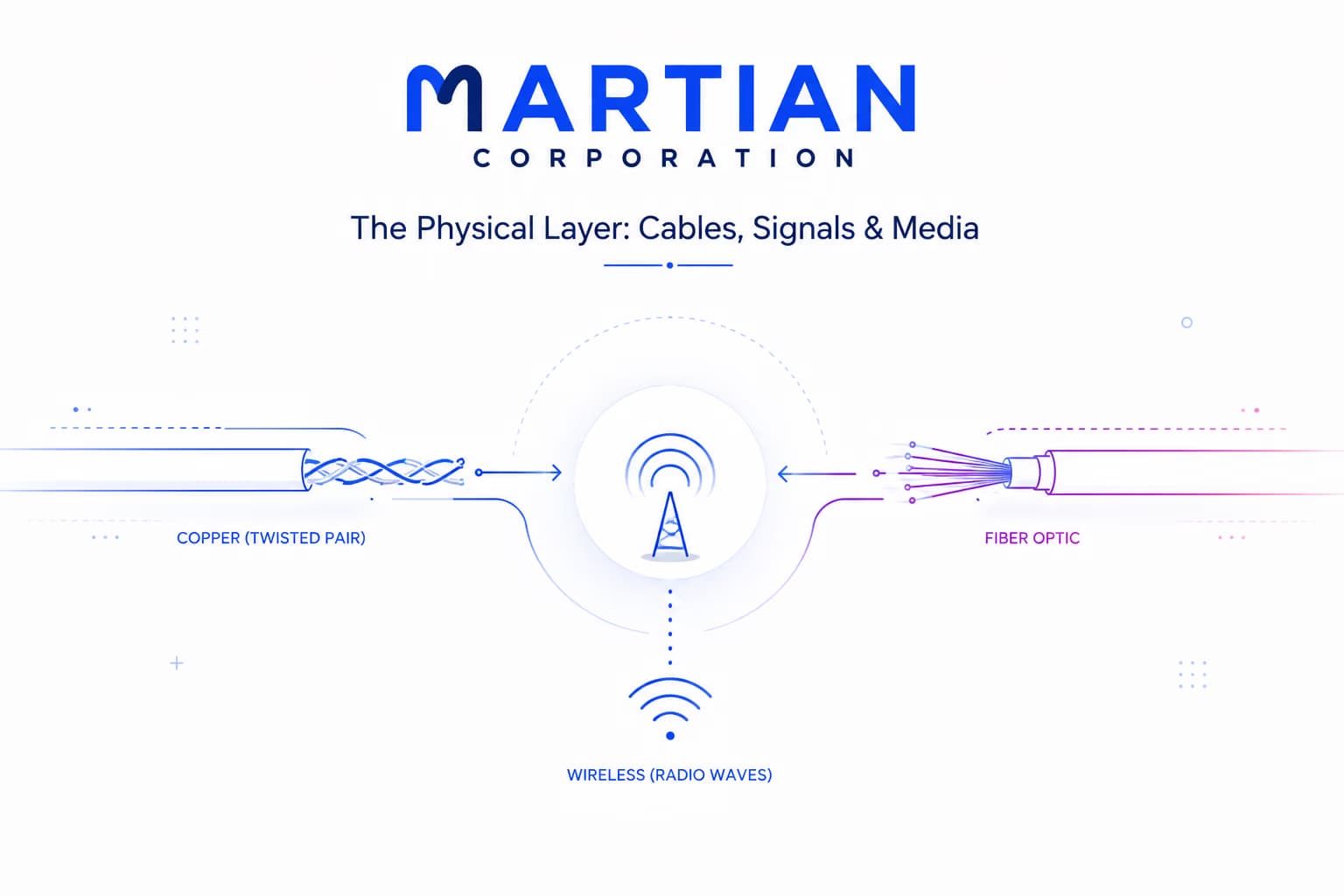
Behind every video call, every file upload, every page that loads in under a second, there's something almost nobody thinks about: a physical medium actually carrying the signal. Somewhere between your device and the destination, that data is riding on a copper wire, a pulse of light, or a wave through the air. This is the layer where the internet stops being an idea and becomes something you could, in theory, reach out and touch.

Wired Media: Copper and Fiber

"Before there's a network, there's a wire — or these days, a strand of light."

Every layer of networking — addresses, connections, routing — depends on one thing underneath it all: a physical medium capable of carrying a signal from one point to another. This is the physical layer, and its only job is getting raw signals from one device to the next, without knowing or caring what those signals mean.

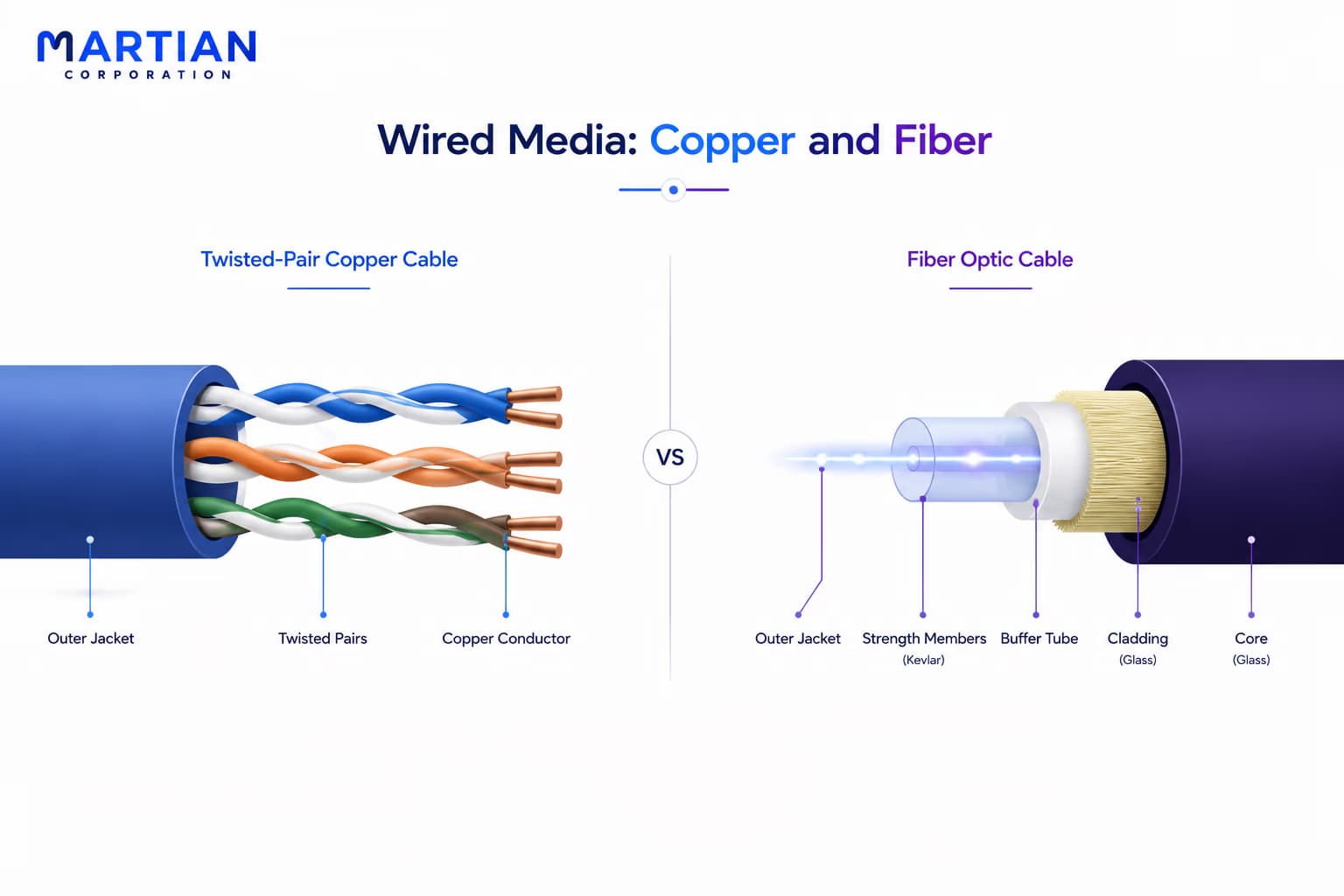
The most familiar medium is copper — the cable running from your router to your laptop, or hidden behind the walls of an office. Copper carries data as electrical signals, small changes in voltage that represent the underlying information. Most copper networking cables use twisted pair wiring, where pairs of wires are spiraled around each other rather than run in parallel; that twist causes electrical interference to cancel itself out between the two wires, keeping the signal cleaner over distance. You'll see this cabling labeled by category — Cat5e, Cat6, and newer standards — with each generation supporting higher speeds over the same basic design.

Fiber optic cable takes a different approach entirely. Instead of voltage, it sends pulses of light down a strand of glass or plastic thinner than a human hair, with each pulse representing a piece of data. Because light isn't affected by electrical interference the way copper is, fiber carries a cleaner signal over far greater distances and supports much higher bandwidth — which is why it forms the backbone of long-distance internet infrastructure. The trade-off is cost and fragility, which is why copper still dominates the last few meters of most networks even as fiber carries the long haul.
Wired Media: Copper and Fiber

Cutting the Cord: Wireless Media and Its Trade-offs

"Wireless doesn't remove the medium. It just replaces cable with air."

Wireless networking feels like it has no physical layer at all, but it does — the medium is simply the air, and the signal is a radio wave instead of a voltage or a pulse of light. Your Wi-Fi router and your phone are still exchanging a physical signal; it's just not confined to a cable.

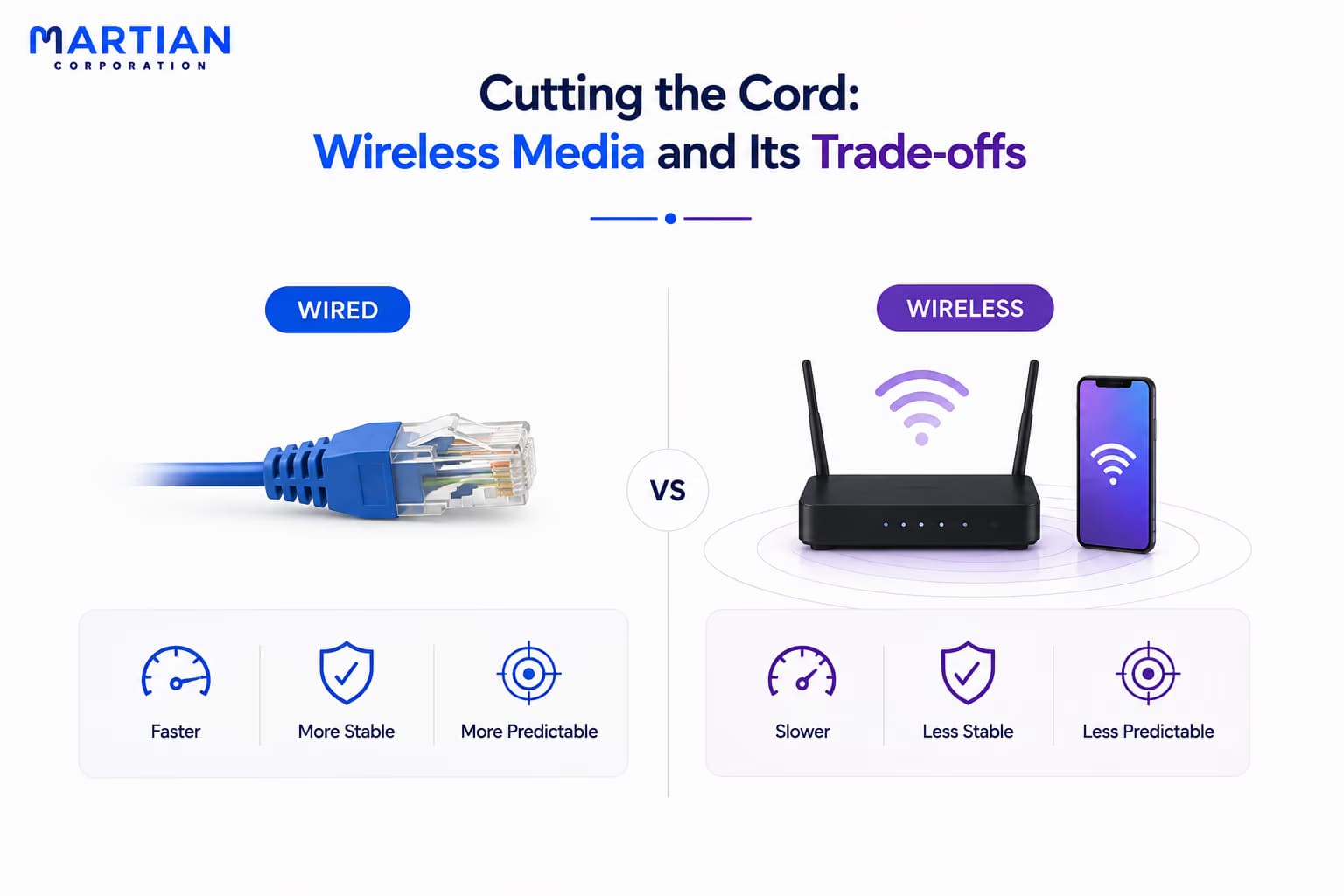
That freedom comes with trade-offs. Radio waves weaken with distance, get blocked by walls and furniture, and share the same open medium with every other wireless device nearby — including your neighbor's network. Wired connections don't have to compete for space the way wireless ones do.

This is why a wired connection is usually faster and more stable than Wi-Fi under the same conditions — not because the data itself is different, but because the medium carrying it is far more predictable.

Cutting the Cord: Wireless Media and Its Trade-offs

Bandwidth, Throughput, and Latency: Three Numbers People Confuse

"Bandwidth is the size of the pipe. Throughput is what actually flows through it."

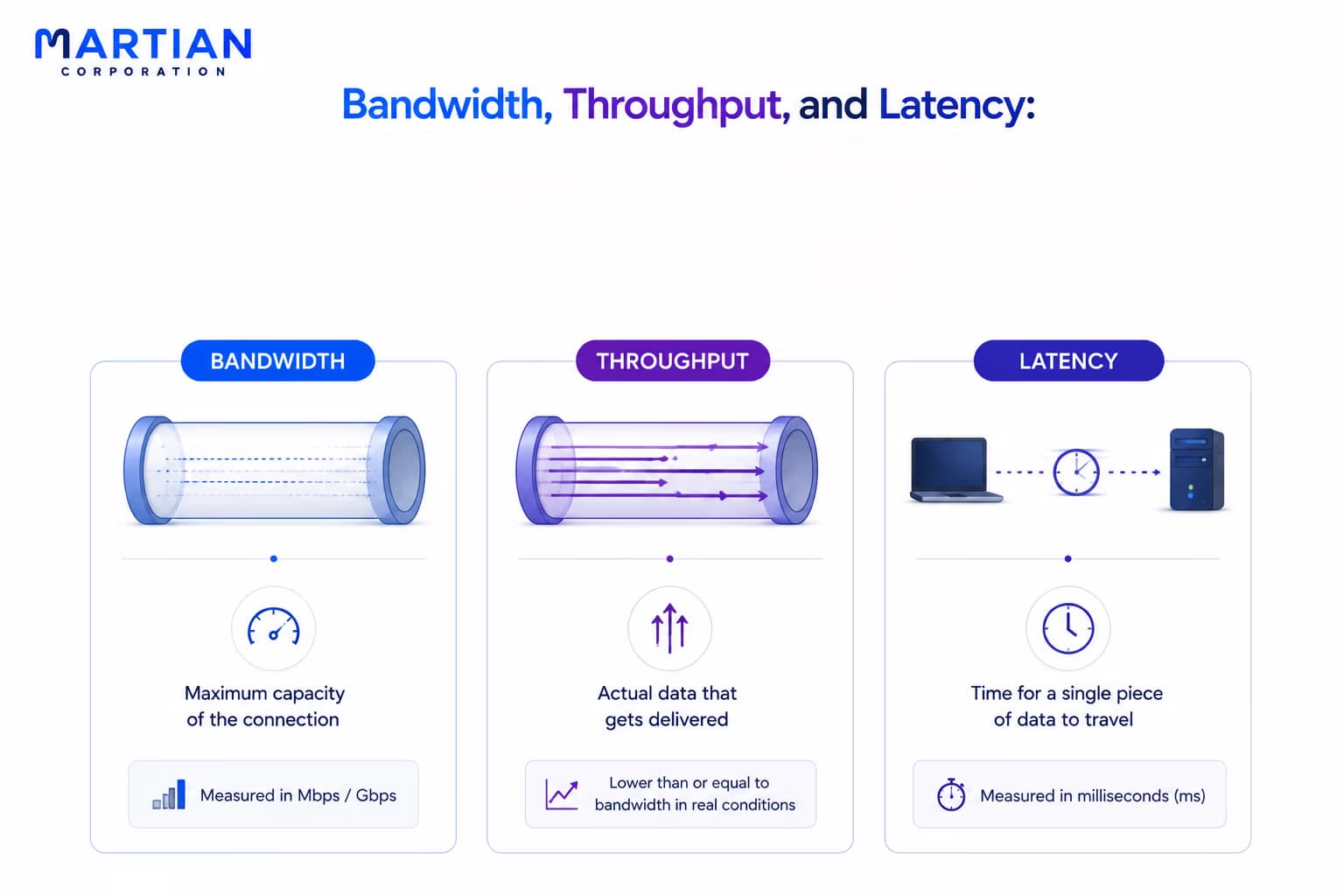
These three terms get used interchangeably, but they measure different things. Bandwidth is the maximum theoretical capacity of a connection — how much data could pass through it under perfect conditions, usually measured in megabits or gigabits per second.

Throughput is what actually gets delivered once real-world conditions — interference, congestion, distance — take their toll. A connection can have generous bandwidth and still deliver disappointing throughput if something along the way is slowing it down.

Latency is a different measurement entirely: not how much data moves, but how long a single piece of it takes to arrive. A connection can have excellent bandwidth and still feel sluggish if latency is high, which is why online gaming cares about latency far more than it cares about raw speed.

Bandwidth, Throughput, and Latency: Three Numbers People Confuse

From Bits to Signals: Encoding, Connectors & Standards

"A cable doesn't understand ones and zeros. It only understands changes — read by an agreed set of rules."

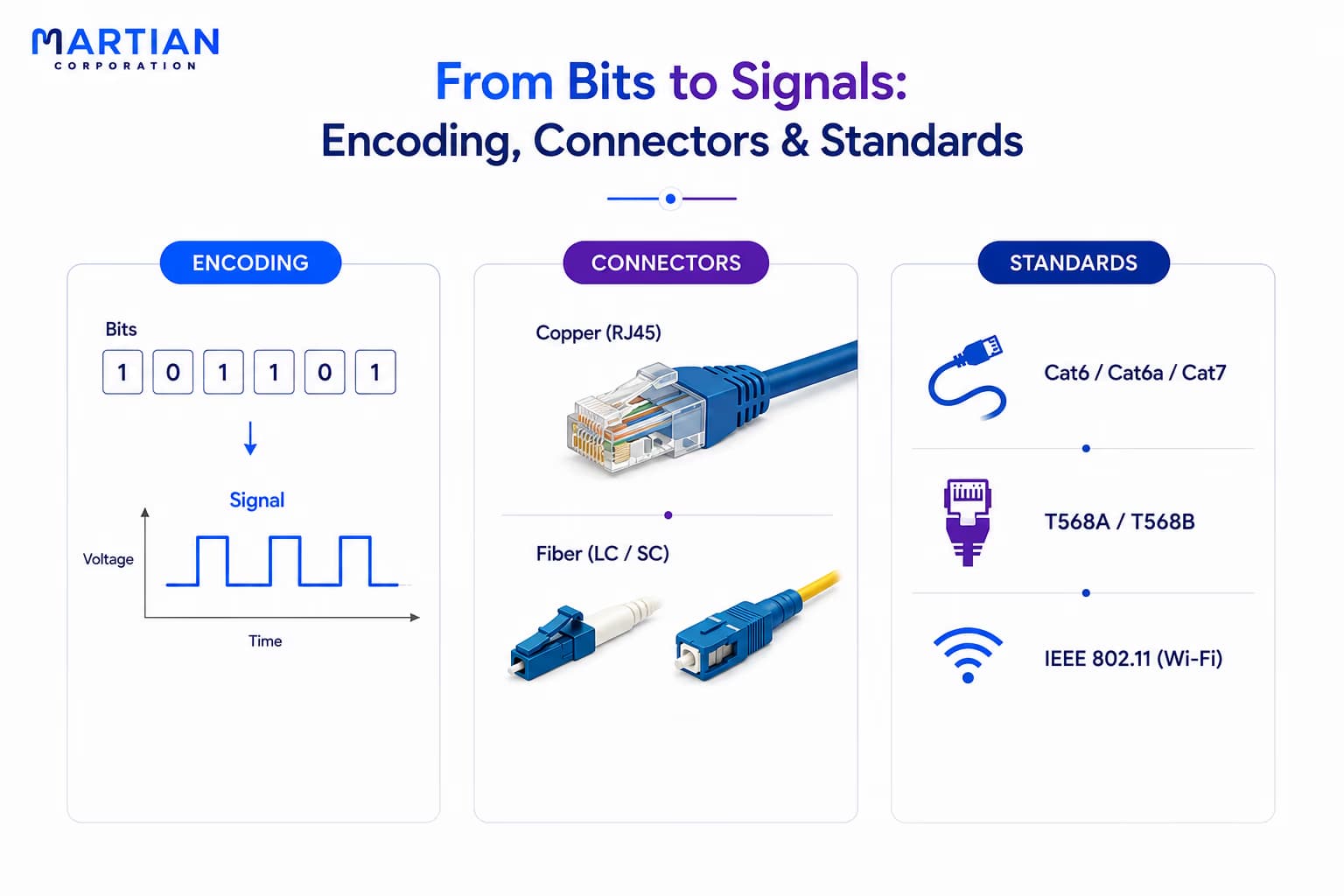
Data inside a computer exists as bits — ones and zeros. But a copper wire, a fiber strand, or a radio wave doesn't have a concept of “one” or “zero.” It only has voltage, light, or wave patterns that can change over time. Encoding is the process of translating those bits into physical changes the medium can actually carry, and the receiving device knows the rules of that translation and reverses it, turning the signal back into the bits it started as.

That translation only works because of agreement on the other end — which is where connectors and standards come in. Copper networking cable typically ends in an RJ45 connector, the familiar clear plastic clip on an ethernet cable. Fiber uses connectors like LC and SC, smaller and more precise, built to align a hair-thin strand of glass exactly.

None of this works without standards behind it. Organizations define exactly how a Cat6 cable should be built, how an RJ45 connector should be wired, how a Wi-Fi signal should be structured — so that a cable made by one manufacturer works with a port made by another. Standards are what turn physical media from a pile of incompatible parts into something you can buy off a shelf and trust to just work.

From Bits to Signals: Encoding, Connectors & Standards

Conclusion

"Every message on the internet eventually becomes something physical — a pulse of light, a change in voltage, a wave in the air."

Underneath every protocol and every packet, the physical layer is doing the most literal job in networking: getting a signal from one place to another, whether that signal travels through copper, glass, or open air. Bandwidth, throughput, latency, and encoding all describe different aspects of how well that signal makes the trip.

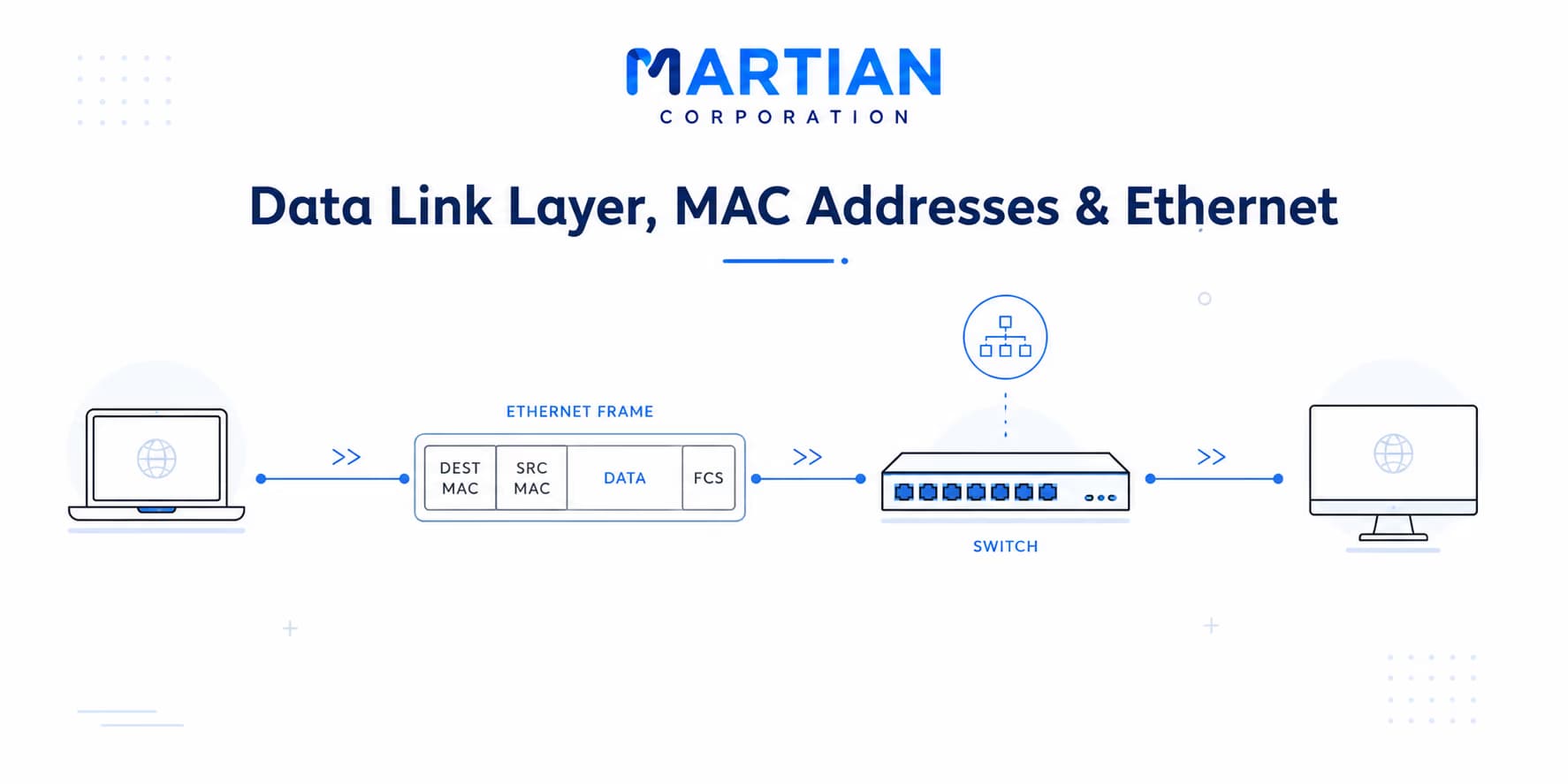
In the next article, we'll move one layer up and look at how the data link layer takes these raw physical signals and organizes them into something a network can actually work with.

NewsLetter

Stay ahead in the world of technology

Get curated technology trends, expert analysis, and product updates delivered straight to your inbox — no noise, just signal.

Enter your email address

By subscribing you agree to our Terms and Conditions and Privacy Policy

More Blogs

How Data Actually Travels: A Packet's JourneyNetwork
19 Aug 2026
5 min read

How Data Actually Travels: A Packet's Journey

Every time we send a message, open a website, stream a video, or download a file, enormous amounts of data travel across complex networks in the form of tiny packets. But how does this data actually reach its destination? This article explores the journey of a data packet—from being broken down at the source to being addressed, routed, transmitted, and reassembled at its destination. Understanding this process provides a clearer picture of how the Internet moves information across interconnected networks, often in just milliseconds.

Read more
TCP/IP Model: The One the Internet Actually UsesNetwork
14 Aug 2026
4 min read

TCP/IP Model: The One the Internet Actually Uses

The Internet may seem seamless, but behind every website, message, and online service is a powerful framework that makes global communication possible. The TCP/IP model provides the foundation for how devices connect, exchange data, and communicate across different networks. This article explores the four layers of the TCP/IP model, their individual roles, and how they work together to deliver information reliably from one device to another. Understanding TCP/IP offers a clearer view of the technology that quietly powers the modern Internet and our increasingly connected digital world.

Read more
image-1Network
12 Aug 2026
5 min read

The OSI Model: The Map of Everything

Every time you open a website, send a message, or access a server, multiple networking processes work together behind the scenes. The OSI Model makes this complex journey easier to understand by breaking network communication into seven distinct layers. In this article, explore the 7 OSI layers, encapsulation and decapsulation, TCP/IP vs. OSI, and how the model helps troubleshoot real-world network problems. A simple map to understand how data moves from one device to another—and where things can go wrong.

Read more