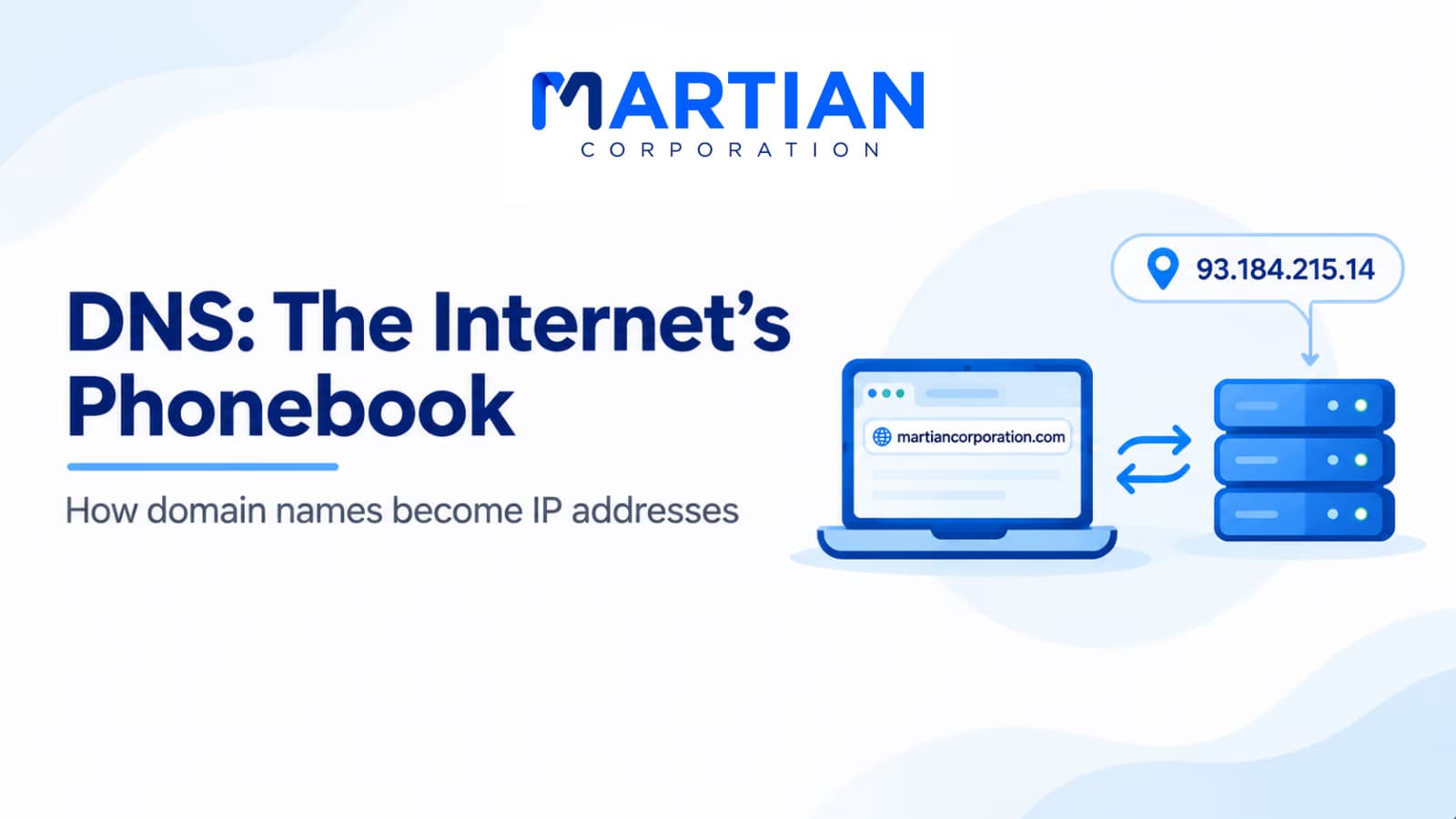
Introduction – The System Behind Every Website Name
“The internet runs on IP addresses, but people remember names. DNS connects the two.”
You type a website address into your browser and the page appears. Behind that simple action, your device usually needs to discover the server’s IP address before connecting.
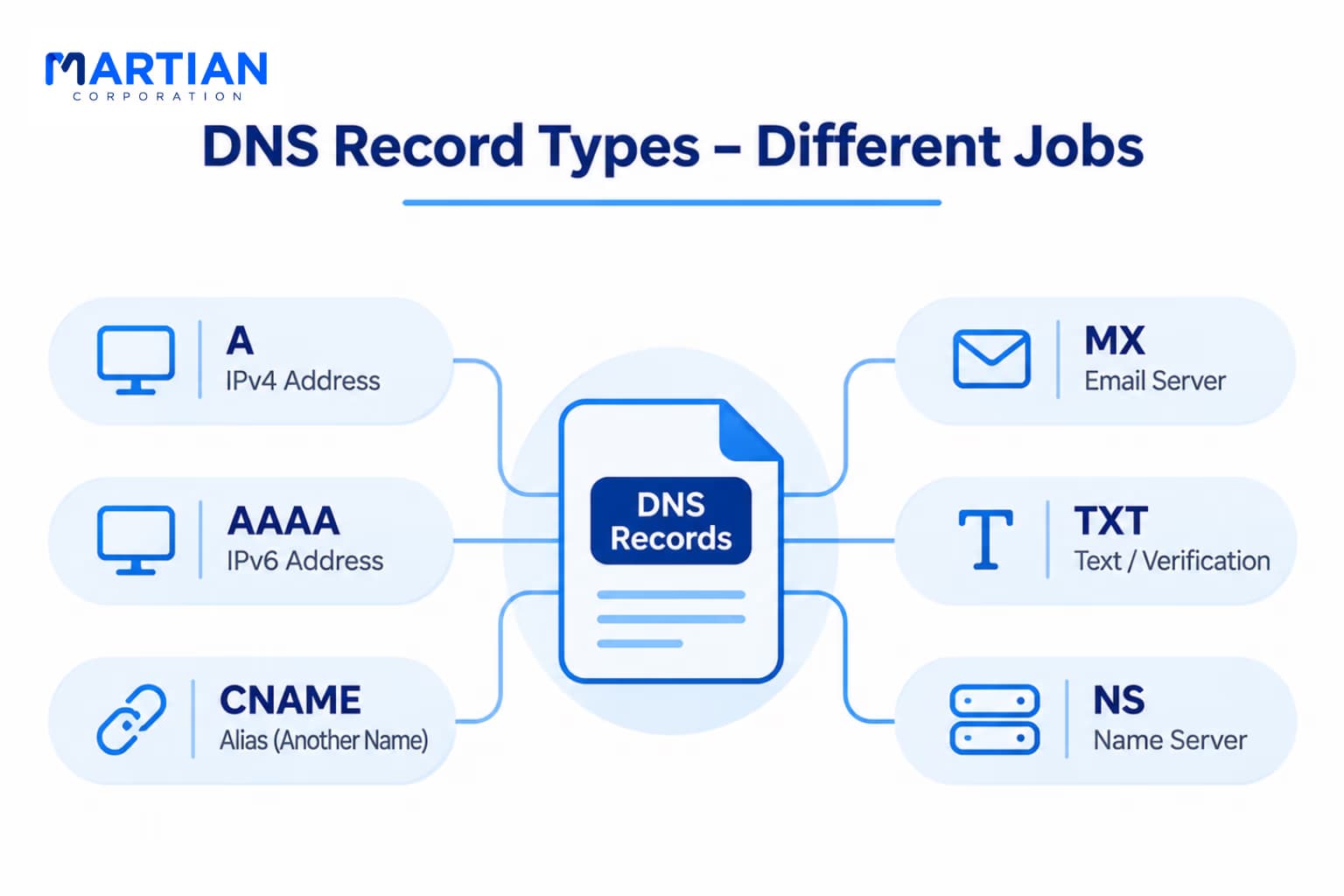
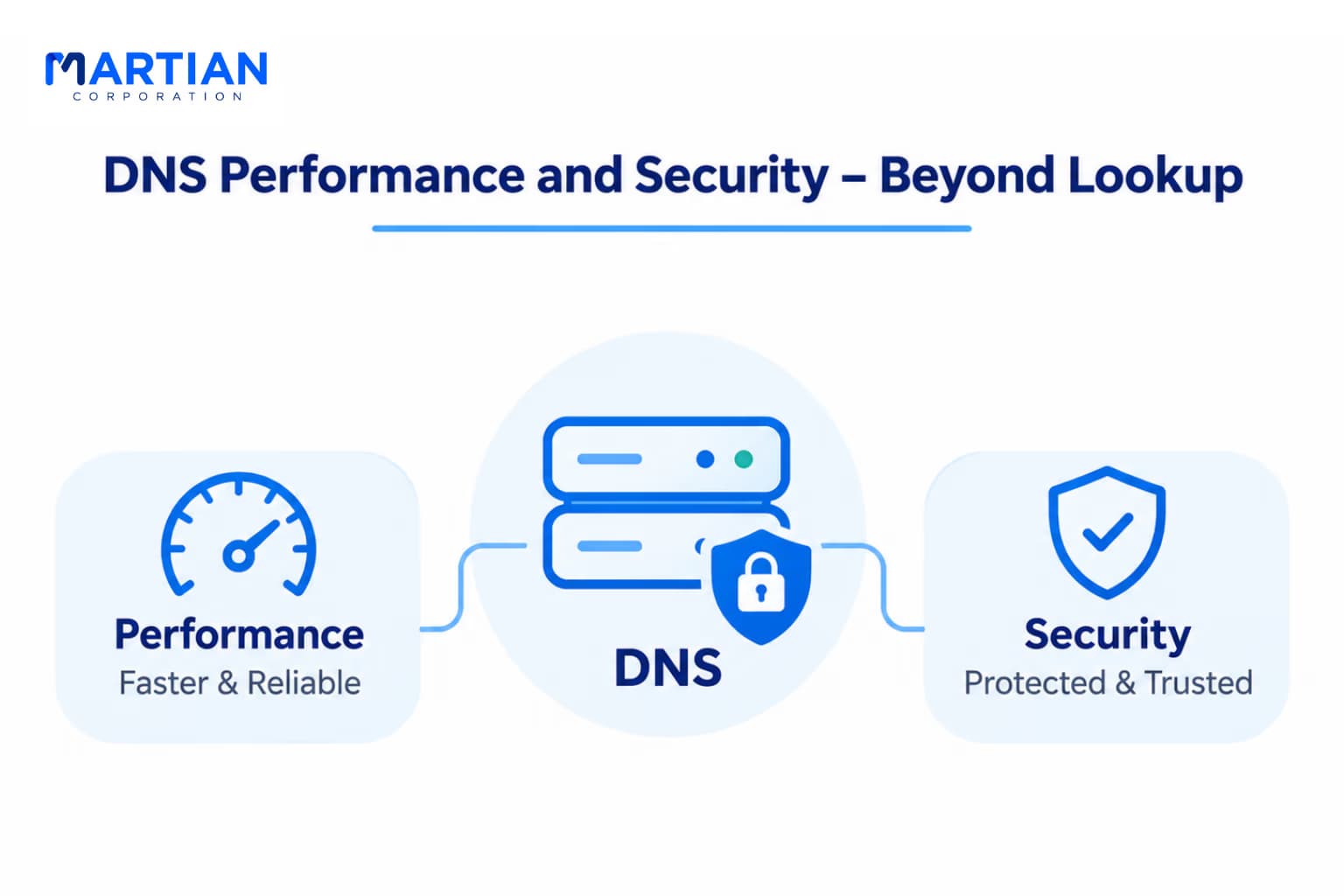
Computers use IP addresses, while people remember names like example.com. The Domain Name System (DNS) translates those names into information needed to reach online services. Often called the internet’s phonebook, DNS also supports email, network efficiency, and security. Here is how it works.
1. DNS Resolution – From Name to Address
“Before a browser reaches a website, it must know where to send the request.”
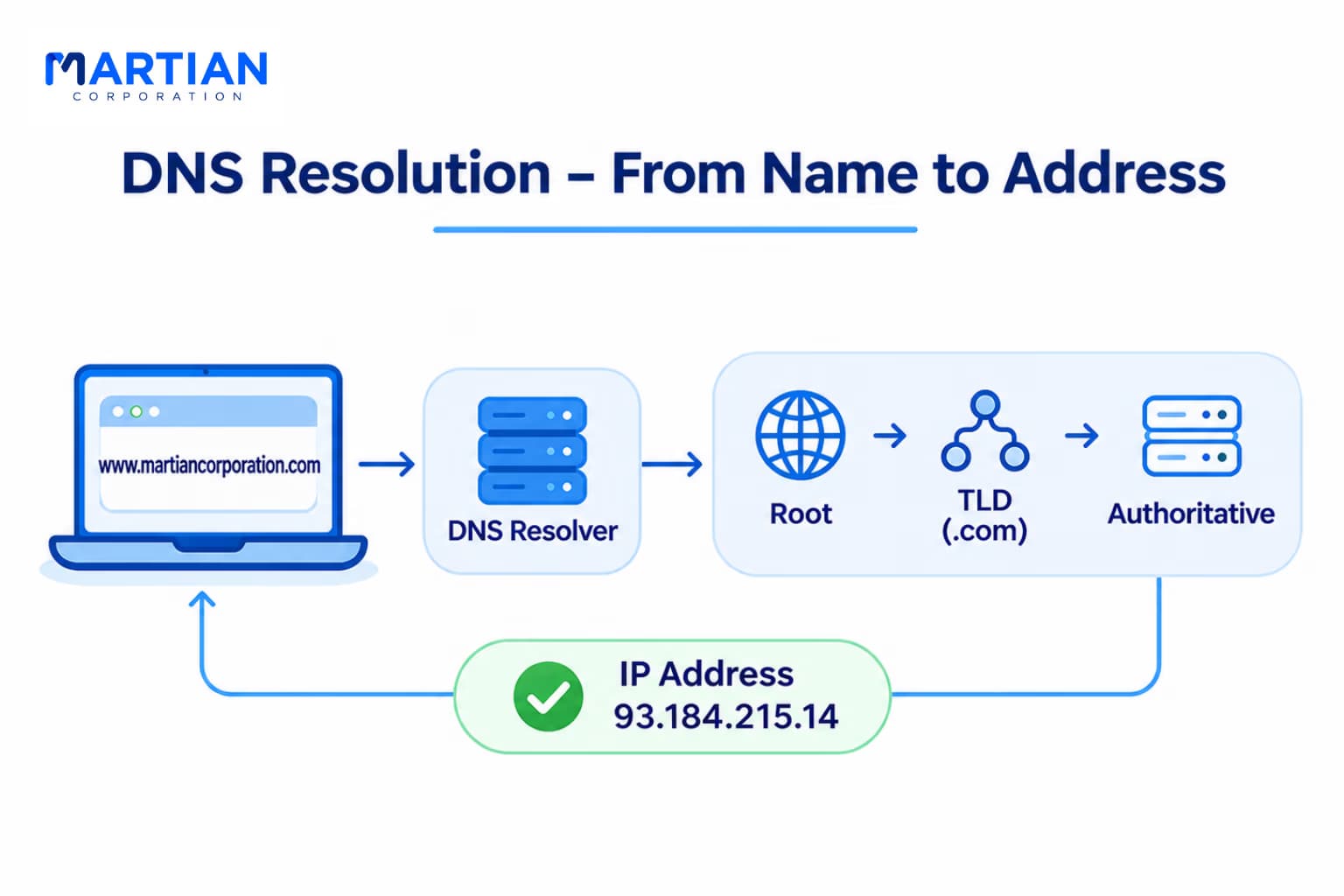
Suppose you enter martiancorporation.com. A typical lookup follows this path:
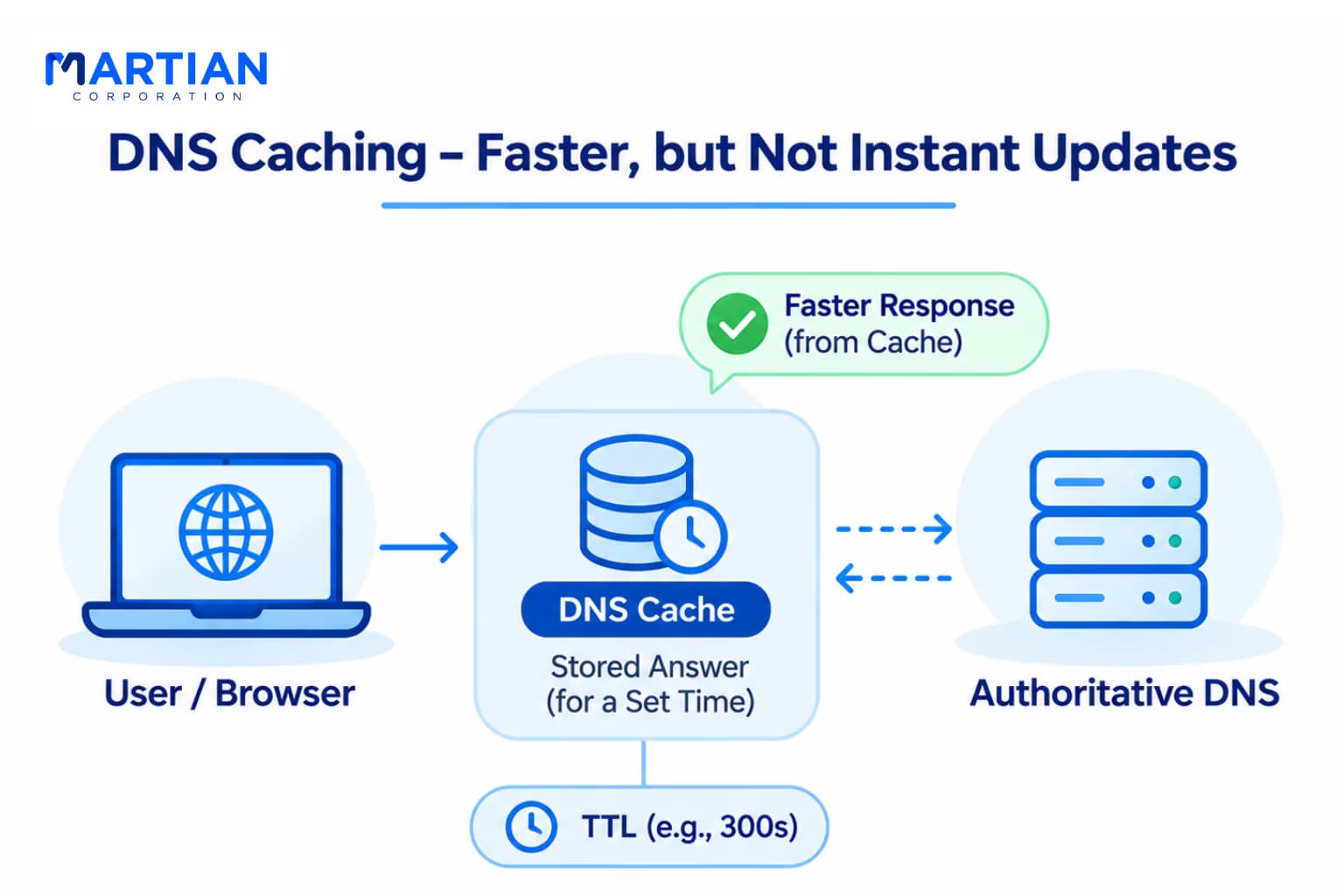
- Local cache: The browser or operating system checks for a usable stored answer.
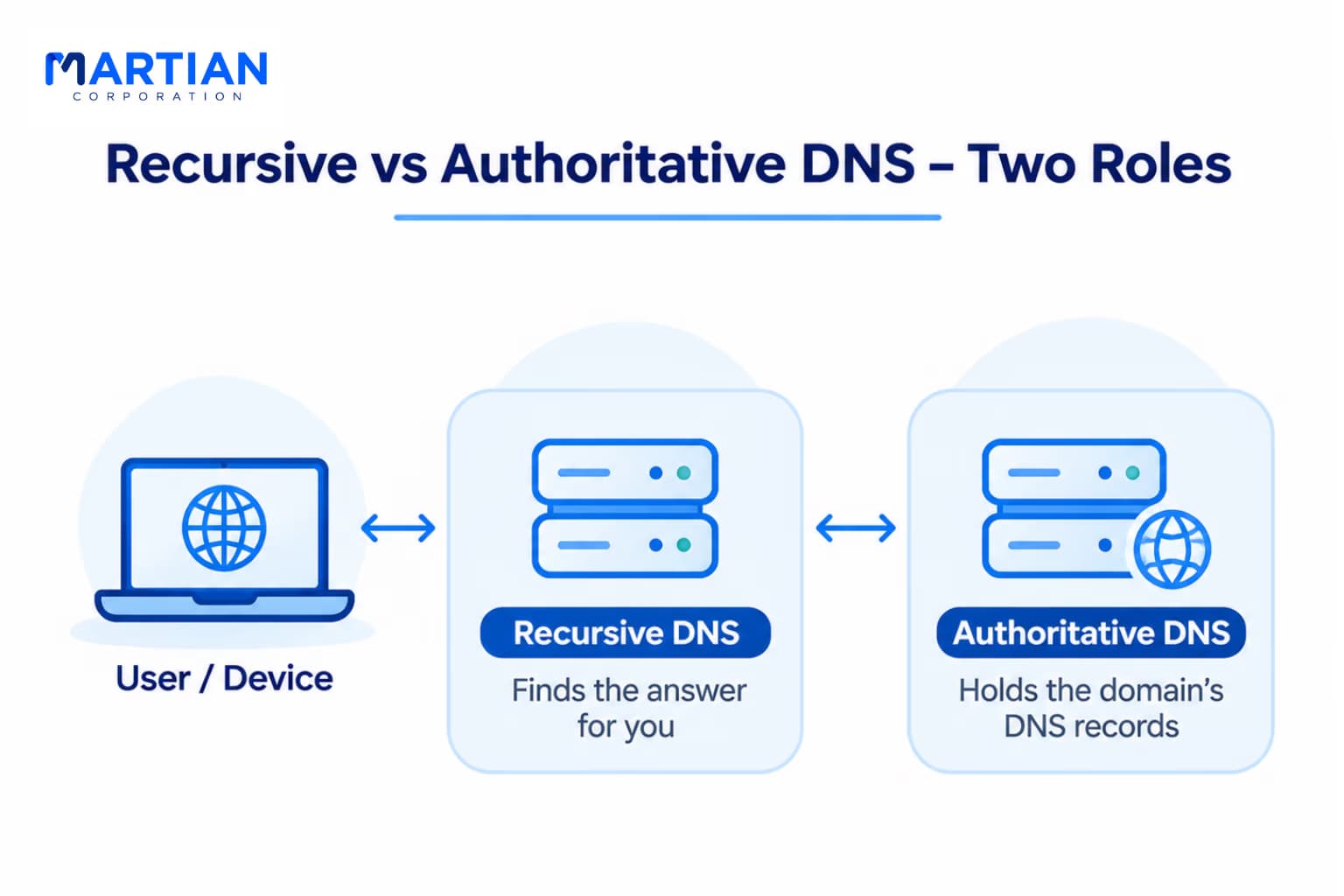
- Recursive resolver: If necessary, the device asks a resolver operated by an ISP or public DNS provider.
- Root server: The resolver may ask where to find the relevant top-level domain, such as .com.
- TLD server: That server directs the resolver toward the domain’s authoritative name servers.
- Authoritative server: The server supplies the requested DNS information.
- Response: The resolver returns the answer so the browser can begin connecting.
Not every query visits every server. Cached answers often shorten the process, and aliases may require additional lookups. DNS helps locate the destination; it does not deliver the webpage itself.