All Blogs/Mobile Development
26 Apr 2026
4 min read

How to Launch Your Mobile App to the Play Store & App Store (Without Losing Sleep)

How to Launch Your Mobile App to the Play Store & App Store (Without Losing Sleep)

By: Martian Corporation

Article content

Introduction

“Launching an app shouldn’t feel like surviving an obstacle course.” For indie developers and small teams, app store submissions often feel more stressful than development itself. Different rules, strict reviews, and unexpected rejections can delay launches for weeks. The good news? With the right preparation, launching on both the Play Store and App Store can be predictable, smooth, and surprisingly stress-free.
Understanding App Store Requirements

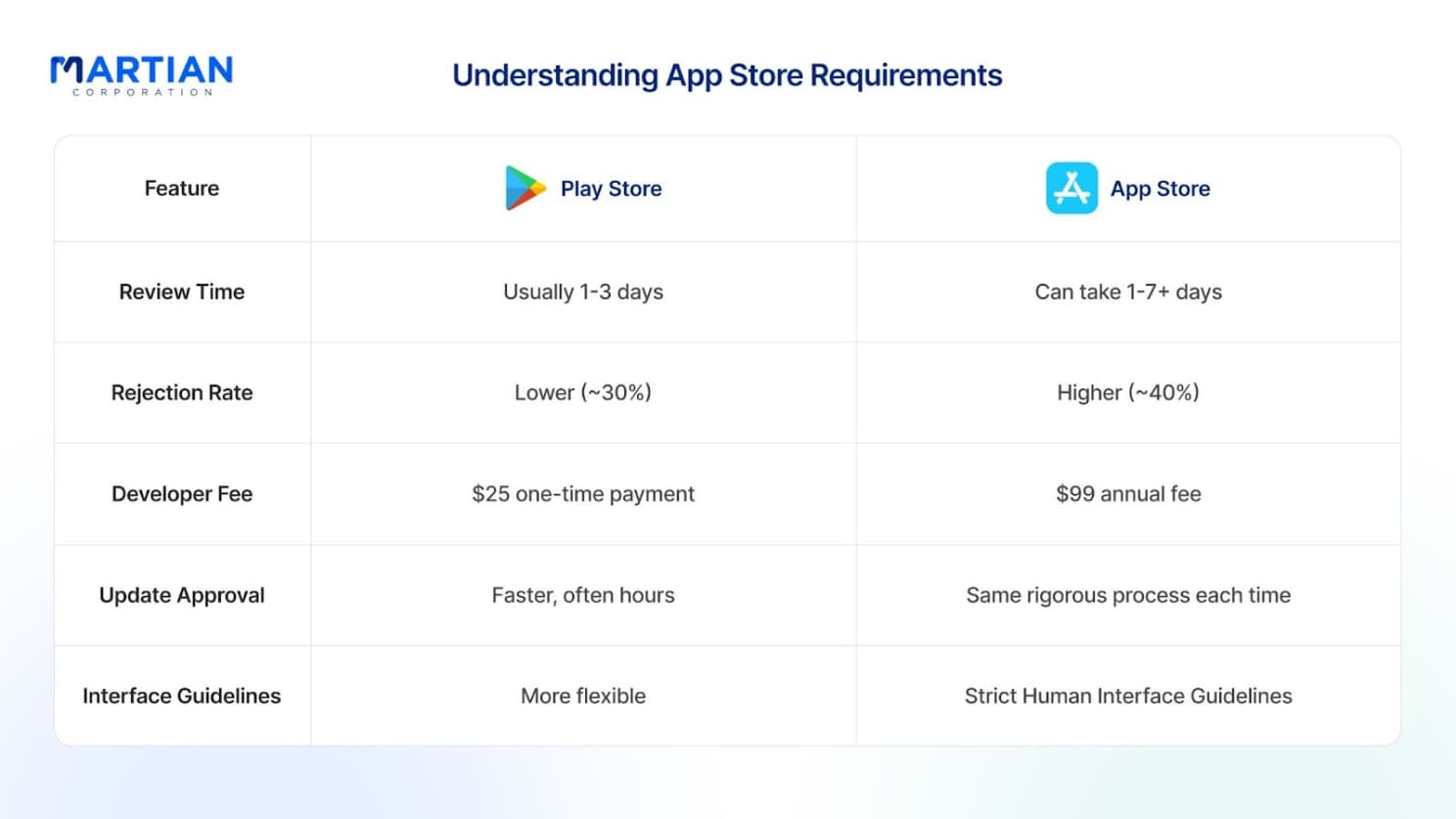
“Different stores, different rules — same goal.” Apple and Google take very different approaches to app review. Apple focuses heavily on design quality, privacy, and strict guideline compliance, often taking longer to review submissions. Google Play is more flexible and faster but still enforces security, content, and policy standards. Understanding these differences early helps you plan timelines realistically and avoid unnecessary rejections.

Privacy, Content & Compliance

“Privacy isn’t optional anymore — it’s foundational.” Both stores require clear privacy policies explaining what data you collect, how it’s used, and who can access it. Apple enforces this especially strictly, with App Tracking Transparency requiring explicit user consent. Content ratings also matter more than many expect — mismatched age ratings or unmoderated content can lead to immediate rejection or removal.

Article content

Preparing Your App for Submission

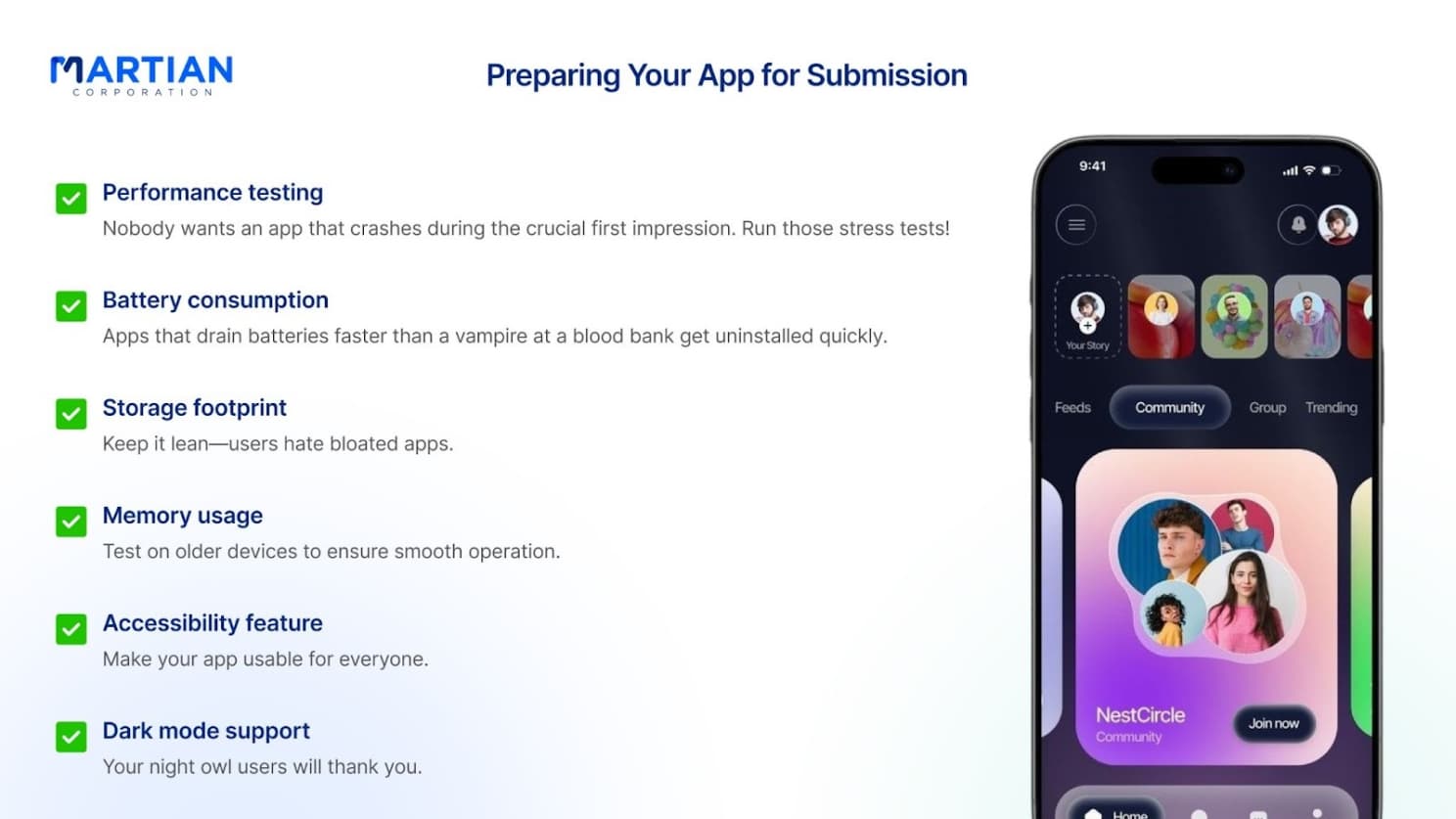
“First impressions decide downloads.” Before submitting, your app must be stable, fast, and efficient. Test performance on older devices, minimize battery usage, and ensure accessibility support is in place. App store screenshots and preview videos are equally important — users decide in seconds whether to download. Focus on benefits, not features, and make visuals clean, consistent, and engaging.

Pricing & Localization Strategy

“Price smart, launch global.” Choosing the right pricing model — free, freemium, paid, or subscription — directly affects adoption. Most successful apps start with freemium to reduce friction. Localization goes beyond translation; adapting currencies, formats, and cultural context can significantly increase global downloads and retention with minimal extra effort.

Technical Submission Essentials

“The right format saves future headaches.” Google now prefers Android App Bundles (AAB) for optimized downloads, while Apple requires proper certificates and provisioning profiles for iOS builds. Testing across devices is critical, especially on Android where fragmentation is high. Implement analytics early so you can track crashes, usage, and conversions immediately after launch.

Article content

Pre-Launch Testing That Actually Works

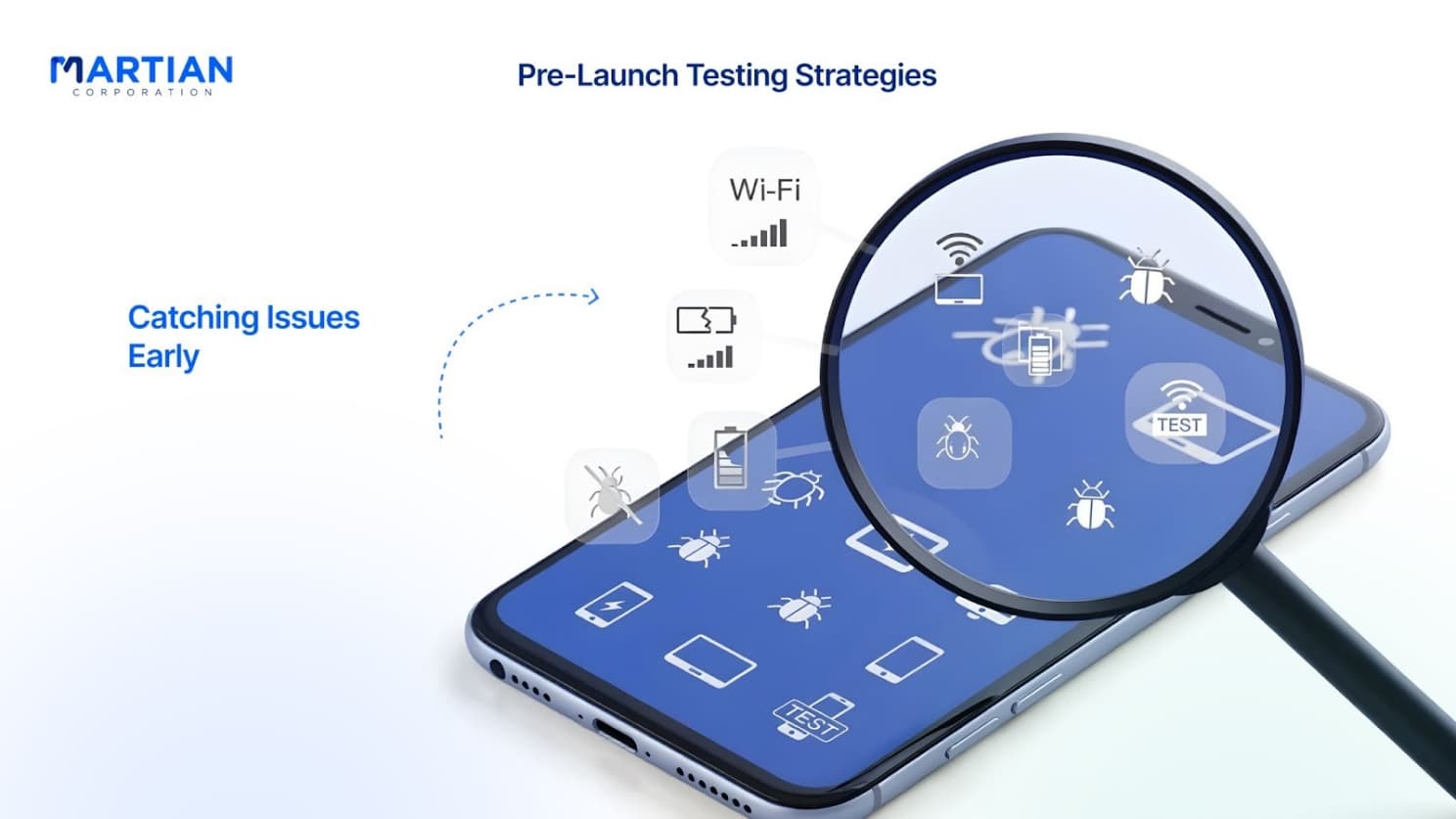
“Bugs discovered early are disasters avoided later.” Beta testing through TestFlight and Google Play helps catch real-world issues before public release. Automated testing saves time, but real devices reveal edge cases emulators miss. Security testing is non-negotiable — both stores reject apps with weak data protection or unsafe APIs.

Submitting Without Chaos

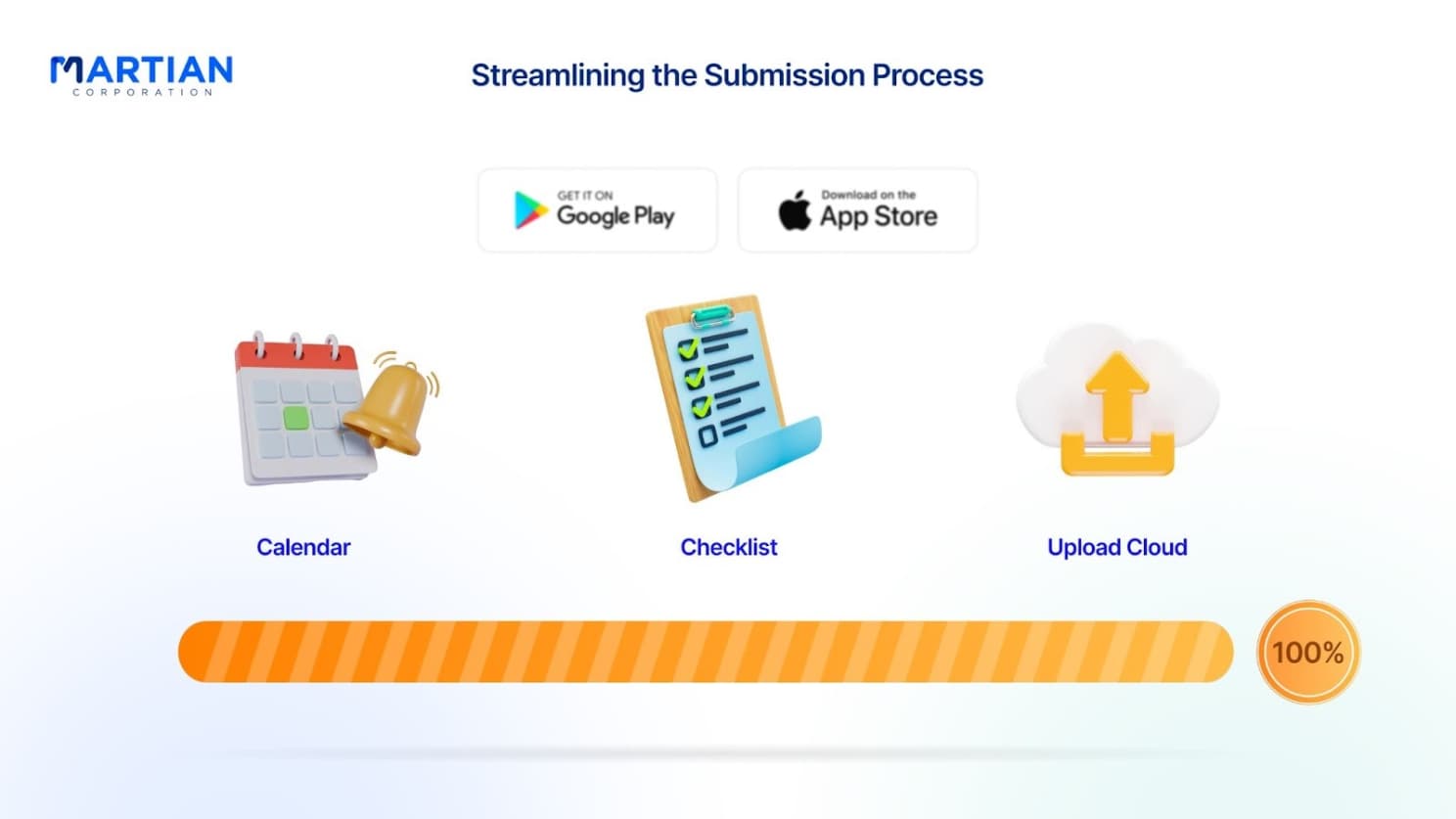
“Automation is your secret weapon.” Tools like Fastlane, CI/CD pipelines, and ASO platforms reduce manual work and errors during submission. Create developer accounts well in advance, plan for review delays, and assume at least one rejection. A clear submission calendar keeps teams aligned and prevents last-minute panic.

Handling Rejections Calmly

“Rejection isn’t failure — it’s feedback.” Most apps are rejected at least once. The key is responding quickly and precisely. Fix only what reviewers flag, explain changes clearly, and resubmit confidently. Appeals are worth it when guidelines are misunderstood — professionalism goes a long way.

Article content

Post-Launch: What Really Matters

“Launch day is the start, not the finish.” Crash reporting tools like Firebase Crashlytics help you spot issues before users complain. Responding to reviews builds trust and improves ratings. Focus on retention, session length, and crash-free users — not just downloads. Your first update should ship within weeks, showing users you’re actively improving.

Conclusion

“Prepared launches don’t lose sleep.”Launching to the Play Store and App Store doesn’t have to be stressful. With clear requirements, solid testing, smart tooling, and a calm response to feedback, you can publish confidently and focus on growth. Preparation turns chaos into process — and process turns launches into wins.

NewsLetter

Stay ahead in the world of technology

Get curated technology trends, expert analysis, and product updates delivered straight to your inbox — no noise, just signal.

Enter your email address

By subscribing you agree to our Terms and Conditions and Privacy Policy