All Blogs/Mobile Development
26 May 2026
4 min read

iOS App Architecture in 2026: What Your Swift Dev Team Should Know

iOS App Architecture in 2026: What Your Swift Dev Team Should Know

By: Martian Corporation

Article content

Introduction

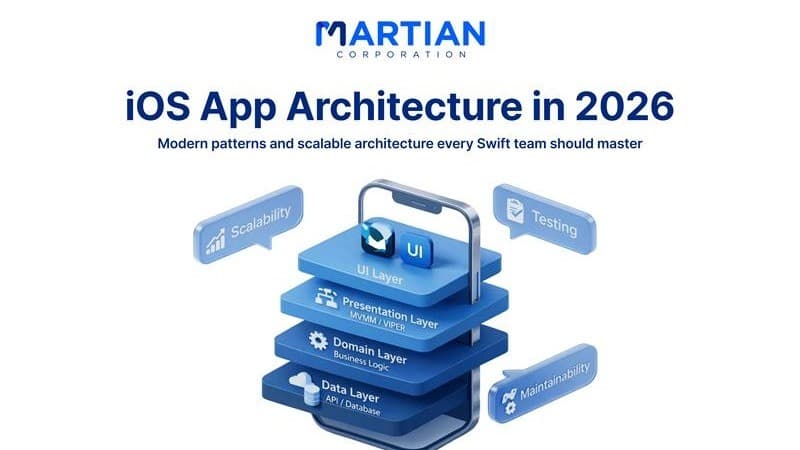
“Good code works today — good architecture survives years.” Building an iOS app in 2026 is no longer just about knowing Swift syntax. Modern apps must handle complex features, growing users, and constant updates — all without turning the codebase into chaos. That’s why architecture matters as much as coding skills.

This guide is for Swift teams, tech leads, and iOS engineers who want practical decisions, not trends. We’ll simplify architecture patterns, the SwiftUI vs UIKit choice, and dependency injection — so your app remains scalable, testable, and maintainable long after launch.
Modern iOS Architecture Patterns That Actually Work

“Structure decides whether an app grows… or collapses.”

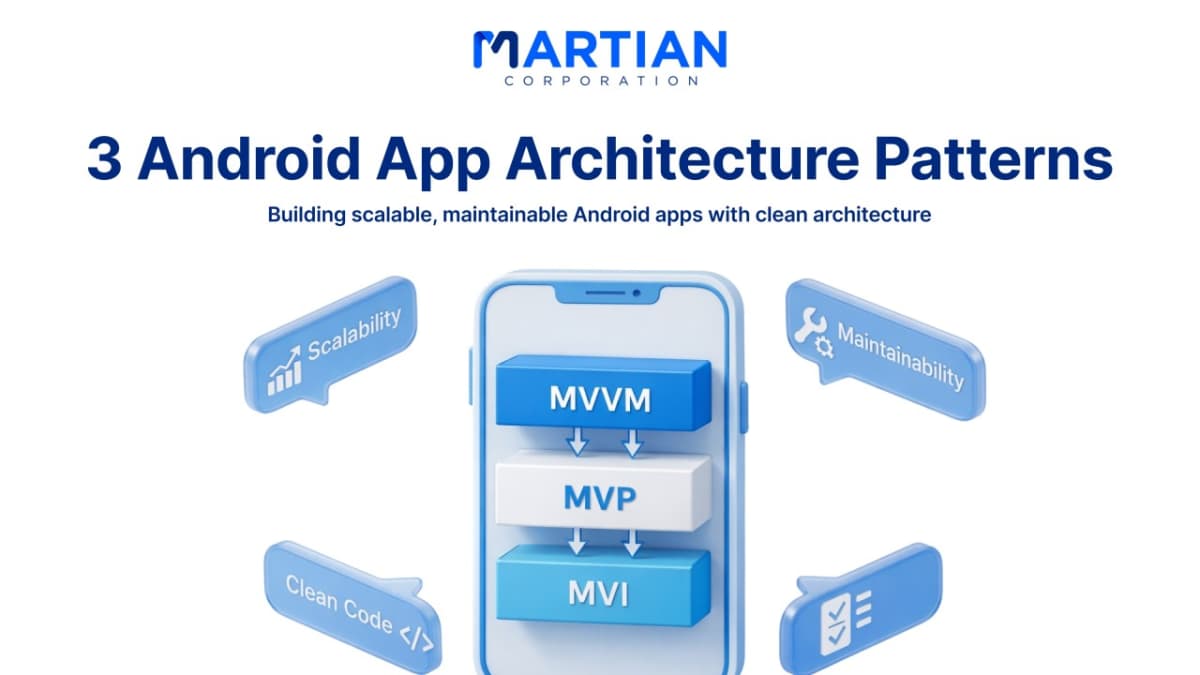
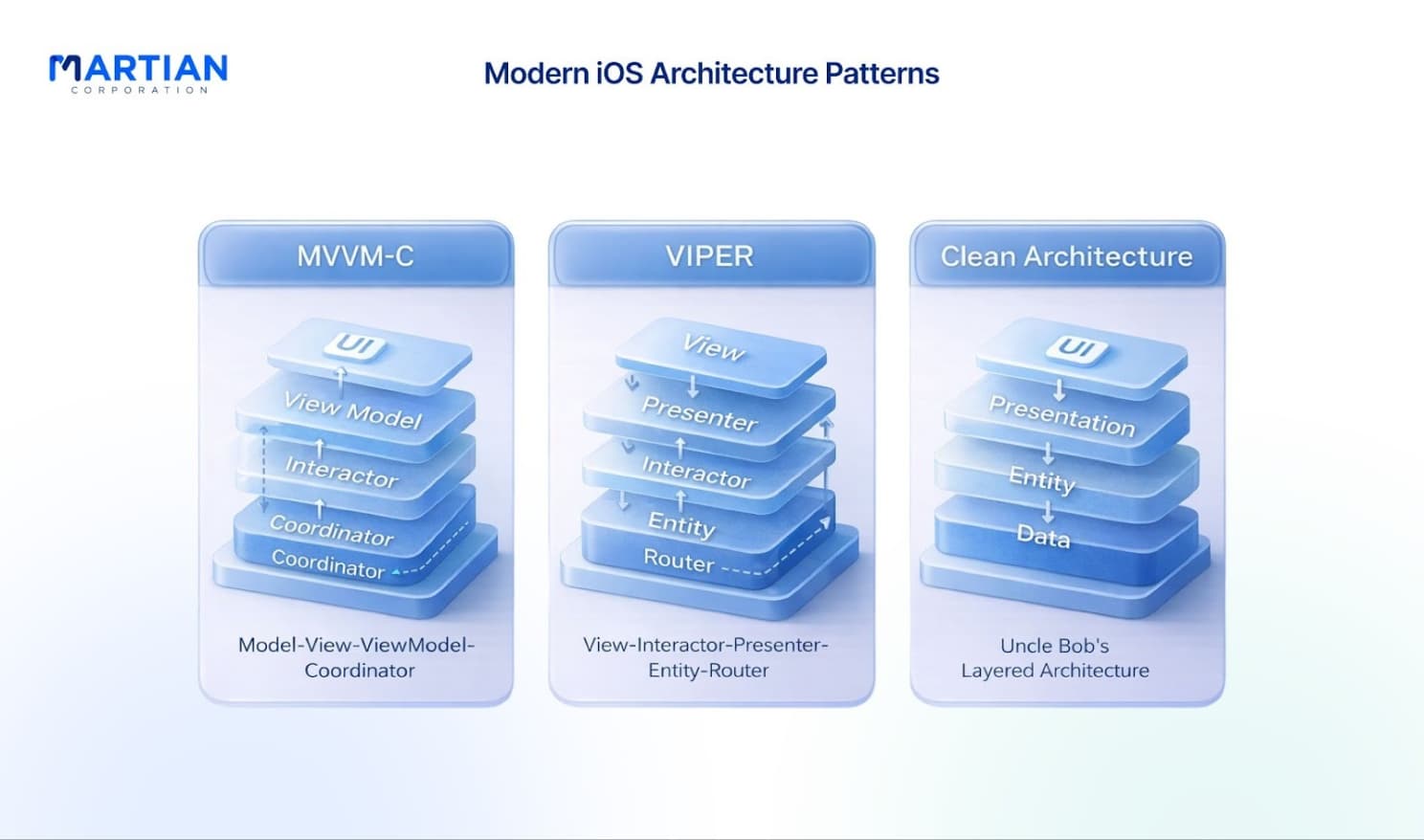
MVVM-C for scalable apps MVVM-C combines MVVM with Coordinators. ViewModels manage state and user logic, while Coordinators control navigation. This keeps UI and business logic separate and works especially well with SwiftUI.

VIPER for enterprise systems VIPER splits responsibilities into five layers (View, Interactor, Presenter, Entity, Router). It requires more setup but offers excellent testability and clear ownership — ideal for large teams and complex products.

Clean Architecture for long-term flexibility Clean Architecture keeps business logic independent from frameworks and APIs. Domain logic sits at the core while UI and data layers surround it. The result: easier refactoring and future technology changes.

Choosing by team size Small teams should favor simplicity (MVC/MVVM). Medium teams benefit from MVVM-C organization. Large teams need VIPER or Clean Architecture to avoid chaos during parallel development.

SwiftUI vs UIKit: The 2026 Decision

“The right UI framework depends on your project — not the hype.”

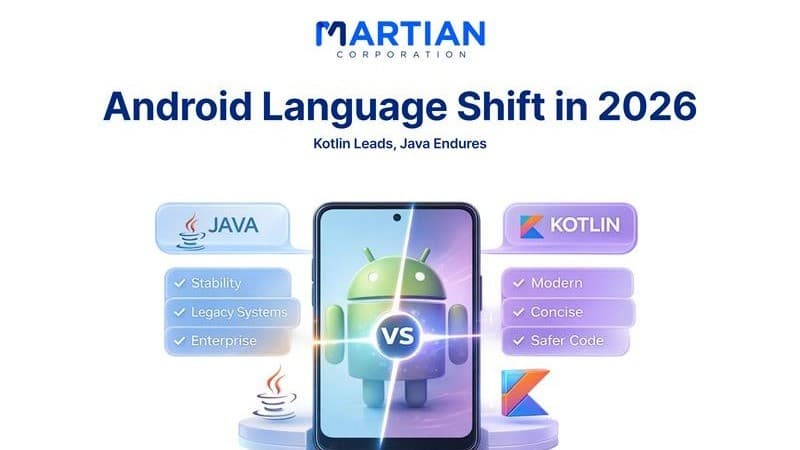
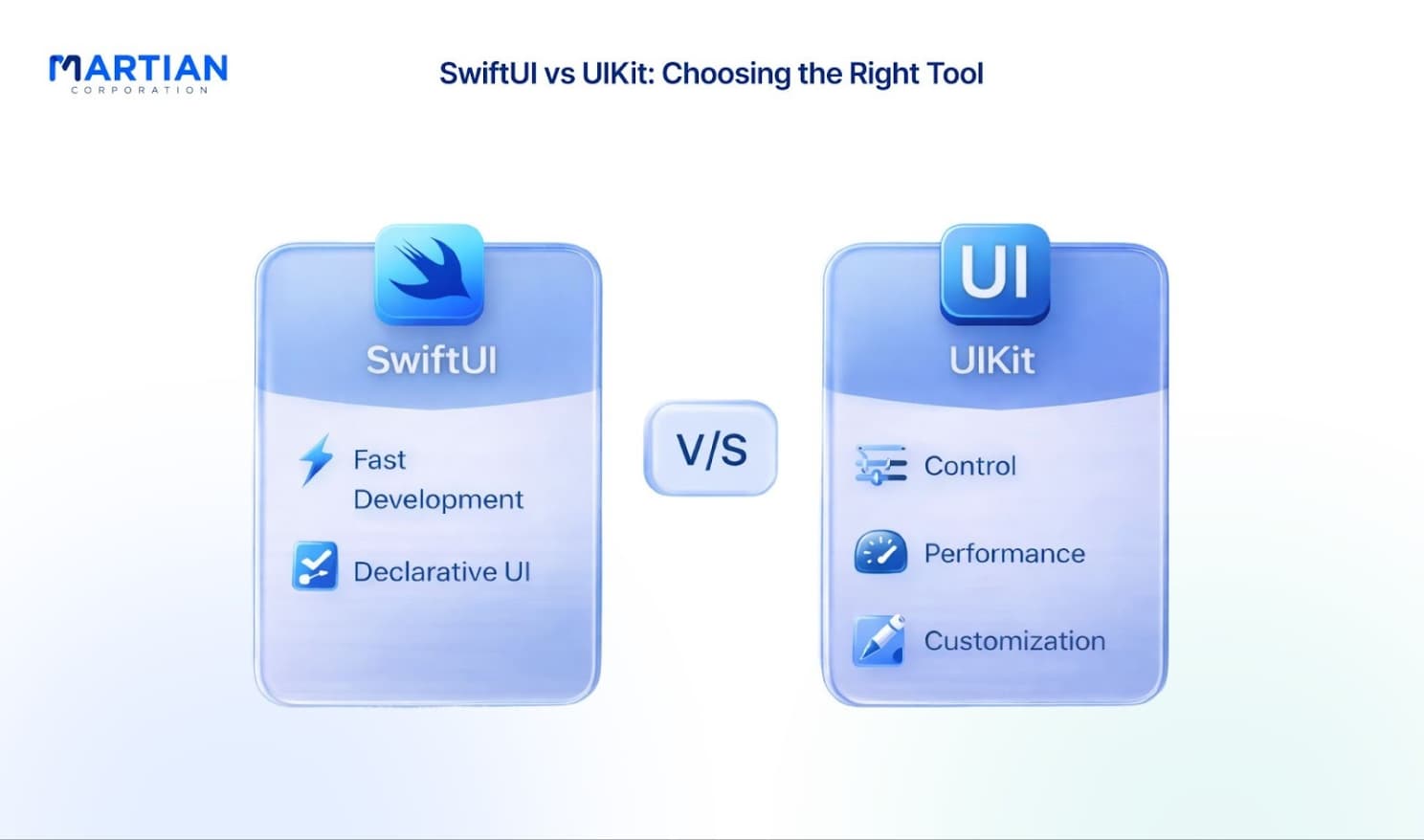
SwiftUI now handles most modern UI needs and reduces code complexity significantly. It’s ideal for rapid development, forms, dashboards, and state-driven interfaces. UIKit still performs better in heavy animations, advanced lists, and pixel-perfect custom controls.

Teams already experienced in UIKit can migrate gradually. A hybrid approach works best: SwiftUI for new screens and simple flows, UIKit for performance-critical components. Apple clearly pushes SwiftUI forward, but UIKit remains reliable and supported.

Architecture tip: keep UI separated from business logic so switching frameworks later doesn’t require rewriting the app.

Article content

Dependency Injection: Faster Development, Cleaner Code

“Loose coupling today prevents disasters tomorrow.”

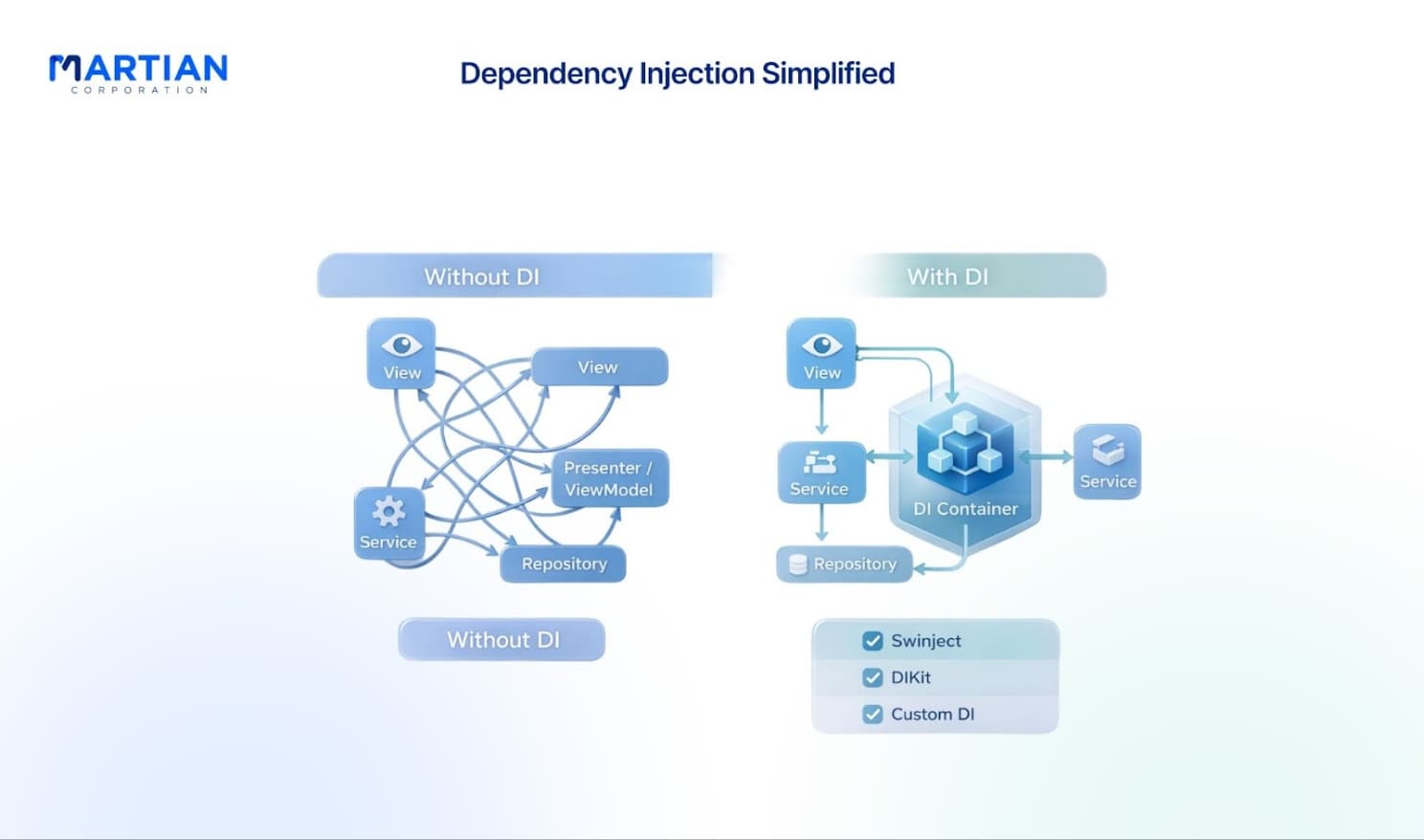
Dependency Injection (DI) removes hard-coded dependencies and makes testing easy.

Swinject A powerful DI framework suited for large apps. It manages object lifecycles, supports SwiftUI and UIKit, and helps organize big projects.

DIKit A lightweight option using compile-time dependency graphs. It adds almost no runtime overhead and fits performance-sensitive apps.

Custom DI solutions Small projects can implement simple containers using protocols and property wrappers. This keeps code clean without adding unnecessary frameworks.

Essential Design Patterns Every Swift Developer Should Know

“Patterns don’t add complexity — they remove future problems.”

The Repository pattern separates business logic from data sources, making testing easier. Combine brings the Observer pattern into reactive programming, allowing UI to update automatically when data changes.

Factories simplify object creation and hide complicated initialization. Coordinators manage navigation outside view controllers, keeping UI controllers focused. Command patterns allow undo/redo functionality by treating actions as objects.

Together, these patterns create maintainable and predictable apps.

Reactive Data Flow and State Management

“Predictable data flow equals predictable behavior.”

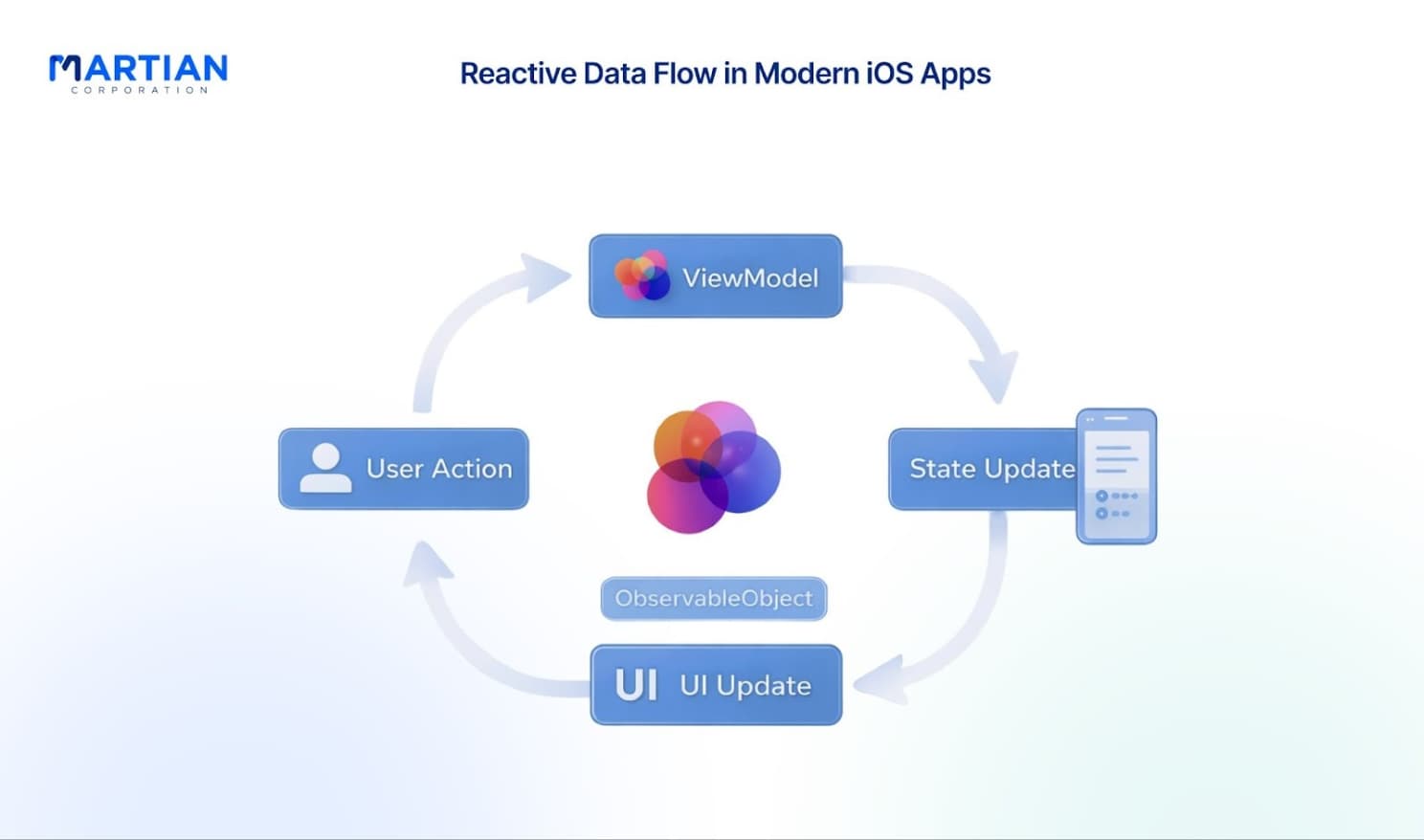
Combine enables reactive programming where data flows through publishers and subscribers instead of callbacks. A unidirectional data flow ensures that state changes in one direction only, preventing hidden bugs.

Using ObservableObject in SwiftUI automatically updates the UI when state changes. Errors are handled within streams rather than scattered try-catch blocks, making asynchronous operations easier to manage.

Article content

Modular Architecture for Growing Apps

“Large apps fail when everything depends on everything.”

Breaking apps into modules improves build speed and maintainability. Modules communicate using protocols, keeping components loosely coupled. Each module can be tested independently, which improves reliability and speeds up development.

Framework modules are useful for shared code across multiple apps, while simple libraries suit smaller internal features.

Performance Through Architecture

“Performance starts with structure, not optimization.”

Architecture directly affects memory usage, CPU load, and responsiveness. MVVM reduces memory leaks by separating views and logic. A well-designed network layer adds caching and request deduplication, improving speed.

SwiftUI optimizes rendering automatically, but poor state handling can cause excessive redraws. Good architecture prevents these problems before optimization is needed.

Conclusion

“Architecture is an investment, not an overhead.” Successful iOS apps in 2026 depend on thoughtful structural decisions from the start. Choosing the right patterns, balancing SwiftUI and UIKit, and implementing dependency injection all contribute to cleaner code and faster development.

You don’t need to redesign everything at once. Start with one improvement — introduce DI, modularize a feature, or clean your data flow. Over time, these choices create apps that scale smoothly, perform better, and remain maintainable for years.

Article content

NewsLetter

Stay ahead in the world of technology

Get curated technology trends, expert analysis, and product updates delivered straight to your inbox — no noise, just signal.

Enter your email address

By subscribing you agree to our Terms and Conditions and Privacy Policy