All Blogs/Web Development
26 Oct 2025
4 min read

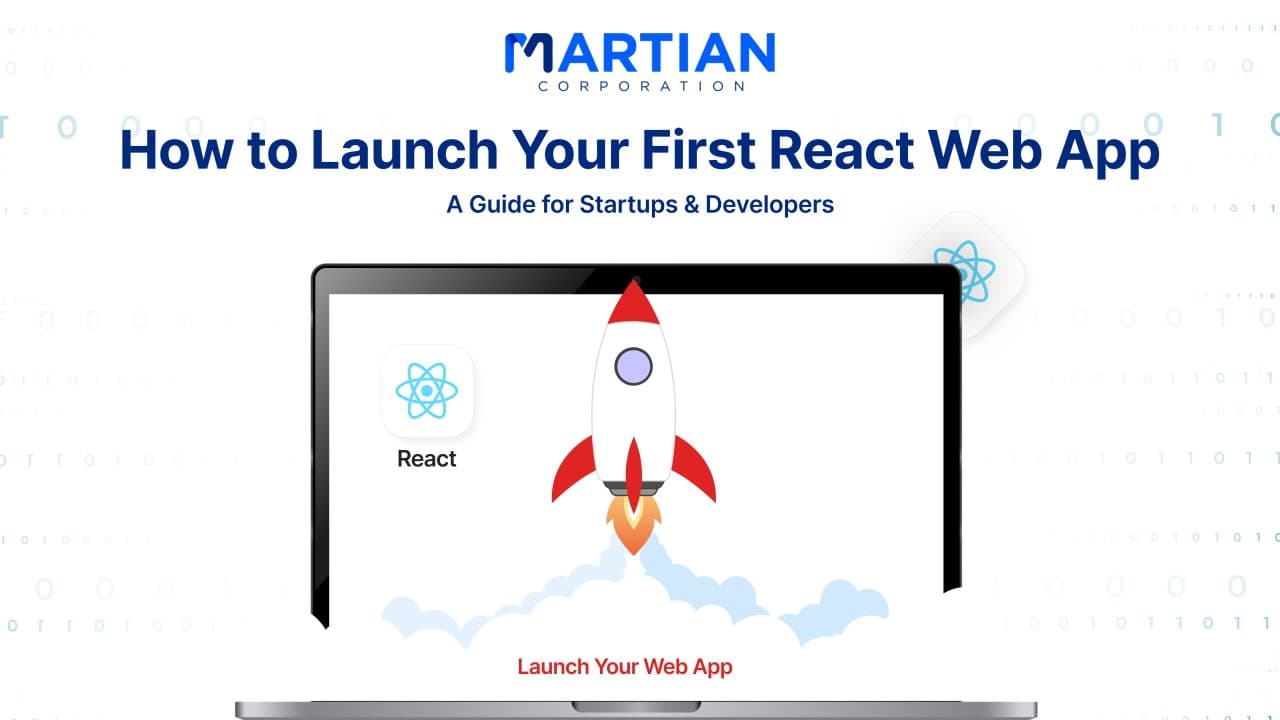
How to Launch Your First React Web App: A Guide for Startups & Developers

How to Launch Your First React Web App: A Guide for Startups & Developers

By: Martian Corporation

Article content

Set Up Your Development Environment

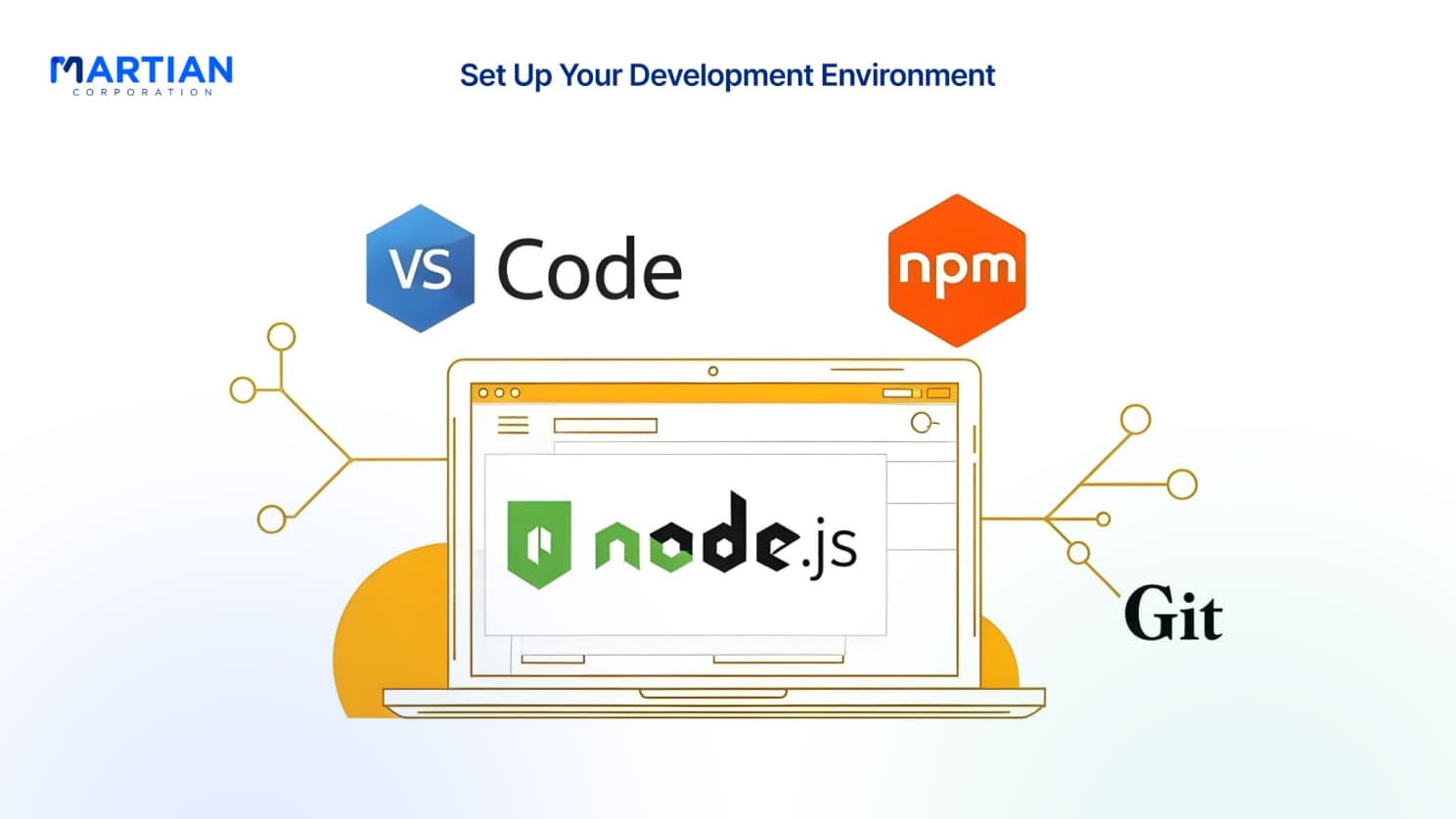
The journey begins with setting up your environment. Installing Node.js and npm gives you the backbone of your workflow, while Visual Studio Code with extensions like Prettier and ES7+ snippets boosts your productivity. Initialize Git to track progress, keep your repository clean, and install React Developer Tools so debugging props and hooks becomes a precise process instead of guesswork. These early steps prepare you for long-term success before you even write your first component.
Plan Your App Architecture

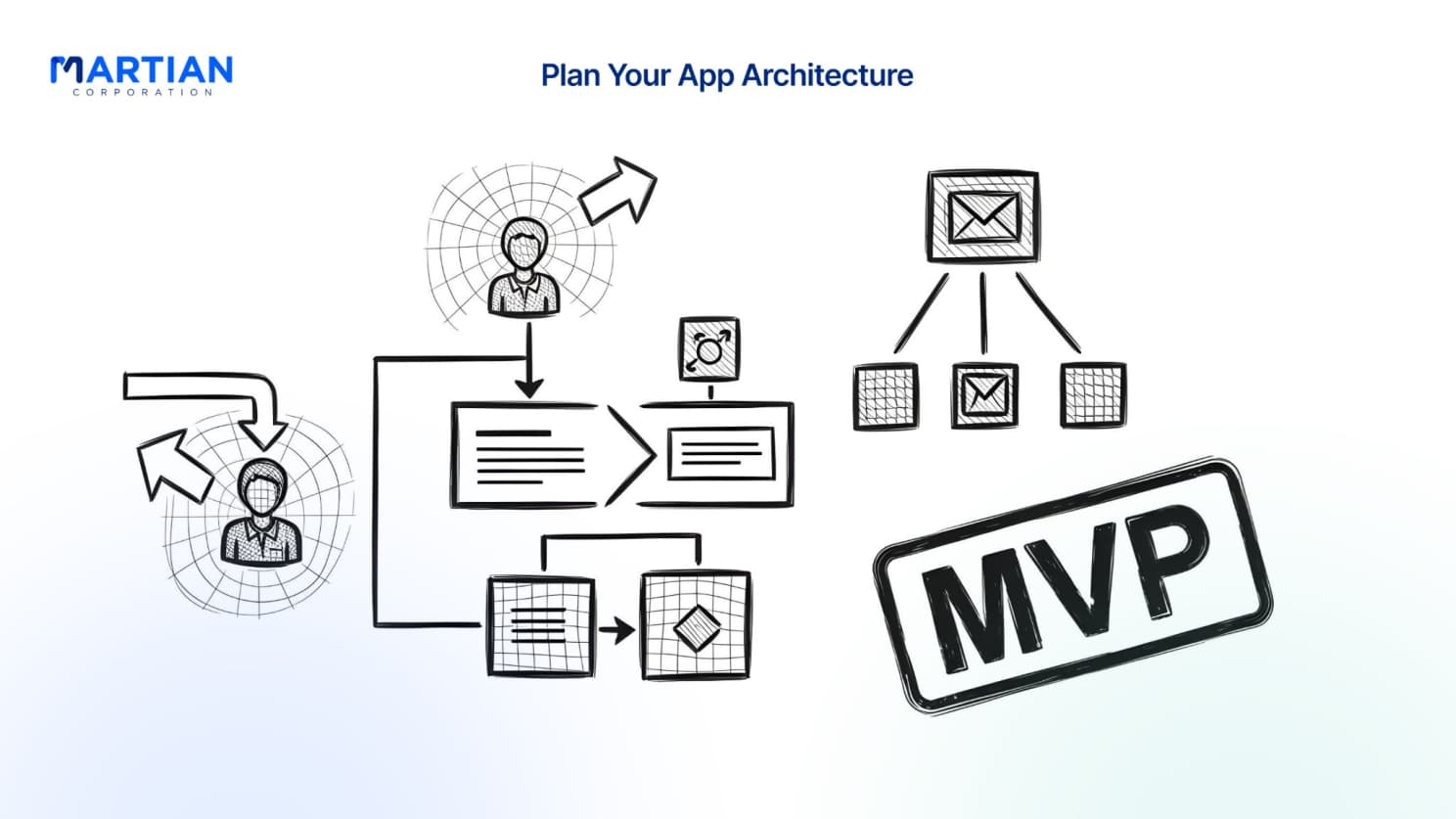
Every great app starts with clarity. Define the problems your React app solves and map out how users will move through it. Sketch wireframes, design user flows, and stay focused on a lean MVP that validates your idea. Decide how to manage state—hooks like useState and useContext for simplicity, or Redux and Zustand when complexity grows. Organize your components into reusable, logical structures, ensuring your app can scale with your startup.

Create Your React Foundation

With planning in place, it’s time to build the base. Initialize your project with Create React App and instantly have a production-ready setup. Organize your folders into components, pages, hooks, and services for clarity. Add libraries like React Router for navigation and Axios for APIs, then configure routing for multiple views and dynamic URLs. This foundation transforms your idea into a real, working application.

Article content

Build the Core UI and Features

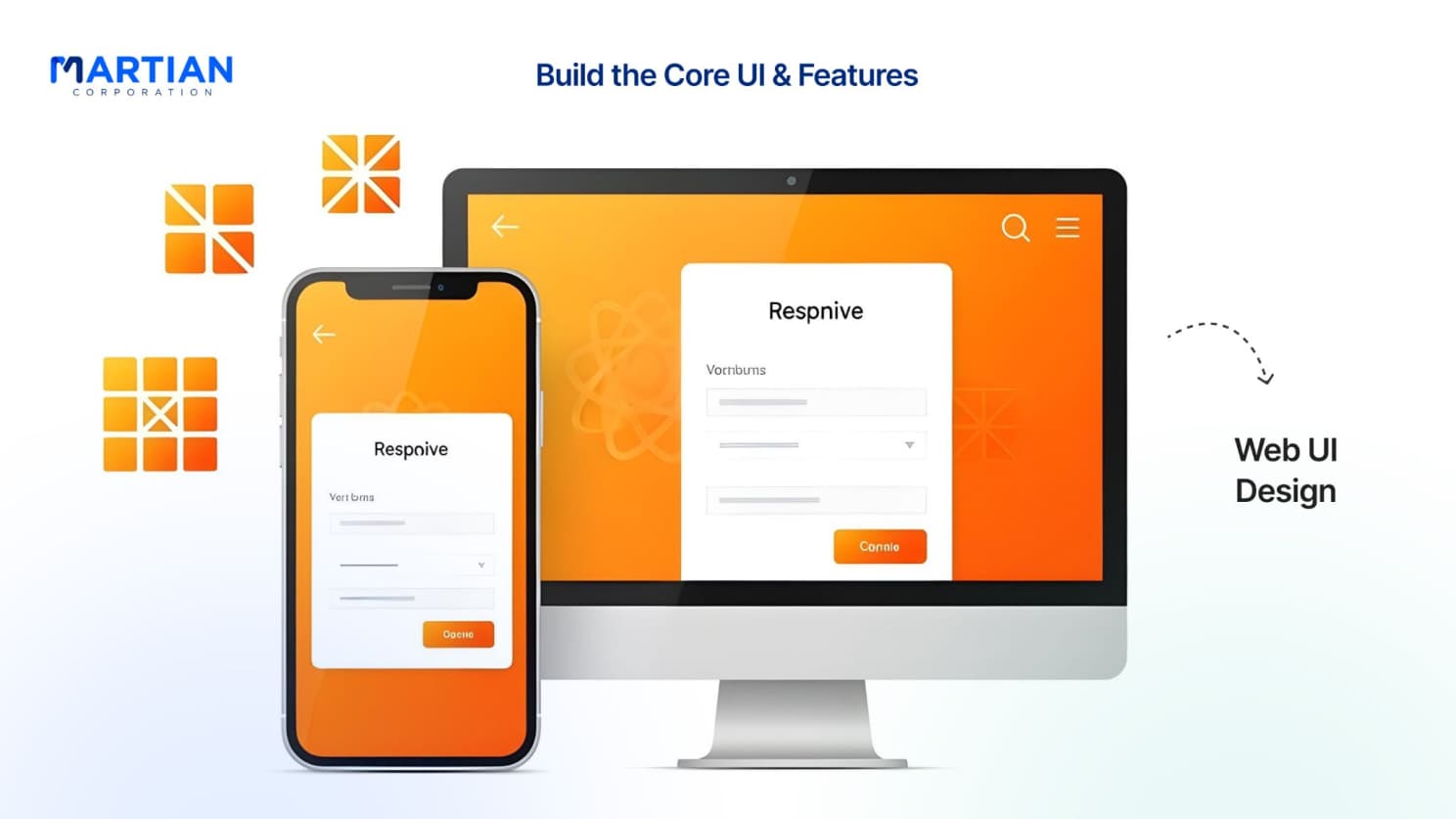
Your components are where users meet your product. Create reusable buttons, inputs, and cards that adapt through props. Make responsive design a priority using CSS Grid, Flexbox, and styled-components to ensure your app looks great on any device. Pay close attention to forms and interactions—tools like Formik or React Hook Form make validation and submission smooth. Add proper error handling and loading states so users always feel supported.

Manage Data and Integrate APIs

Modern apps thrive on data. Connect to external APIs with Axios or Fetch, protect credentials with environment variables, and use React hooks to handle asynchronous requests. Create custom hooks to simplify data fetching across components. Always prepare for the unexpected—catch errors, show helpful messages, and design fallback UIs so your app never leaves users stranded.

Optimize for Performance

A successful app is more than functional—it’s fast. Use code splitting and lazy loading to reduce initial bundle size and keep navigation seamless. Optimize your bundle with tree shaking, remove unused code, and compress assets. Add progressive web app features like service workers for offline use and test across browsers to guarantee consistency. Performance optimization is where your MVP starts feeling like a polished product.

Article content

Deploy and Monitor Your App

The final step is taking your React app live. Choose a hosting platform—Vercel for speed, Netlify for simplicity, or AWS for scale. Configure your environment variables and build scripts, then automate deployments with CI/CD pipelines so updates are seamless. Monitor performance with Google Analytics, Sentry, and Lighthouse CI, and track user behavior to continuously improve your product.

Conclusion

Building your first React app isn’t about doing everything at once—it’s about setting up a strong foundation, shipping fast, and improving step by step. When you plan carefully, build cleanly, and optimize relentlessly, you don’t just create an app—you create a product that grows with your startup. Start small, test often, deploy confidently, and watch your React idea turn into reality.

NewsLetter

Stay ahead in the world of technology

Get curated technology trends, expert analysis, and product updates delivered straight to your inbox — no noise, just signal.

Enter your email address

By subscribing you agree to our Terms and Conditions and Privacy Policy